
Intuitive Elements
Maximize the WP Configurator 3D Floating Icons.
Download Your Configured Product
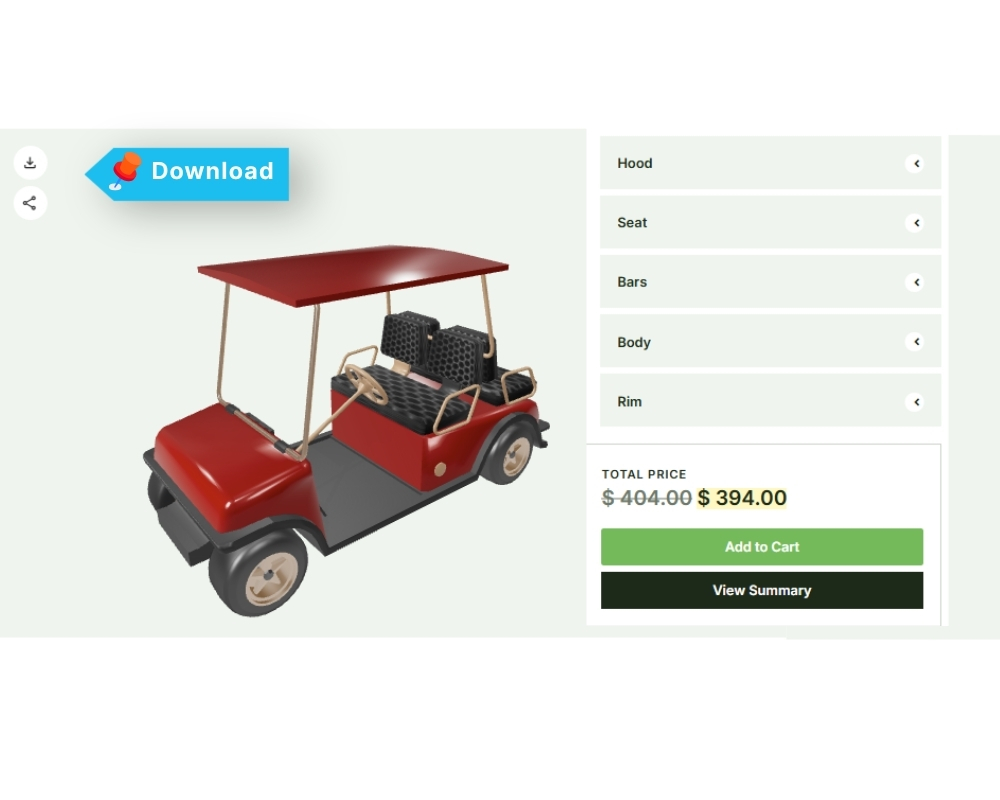
Download Icon
The Download icon allows users to download their configured product as a PNG image file. After completing the product configuration, click the Download icon to save the final configuration as a PNG file.
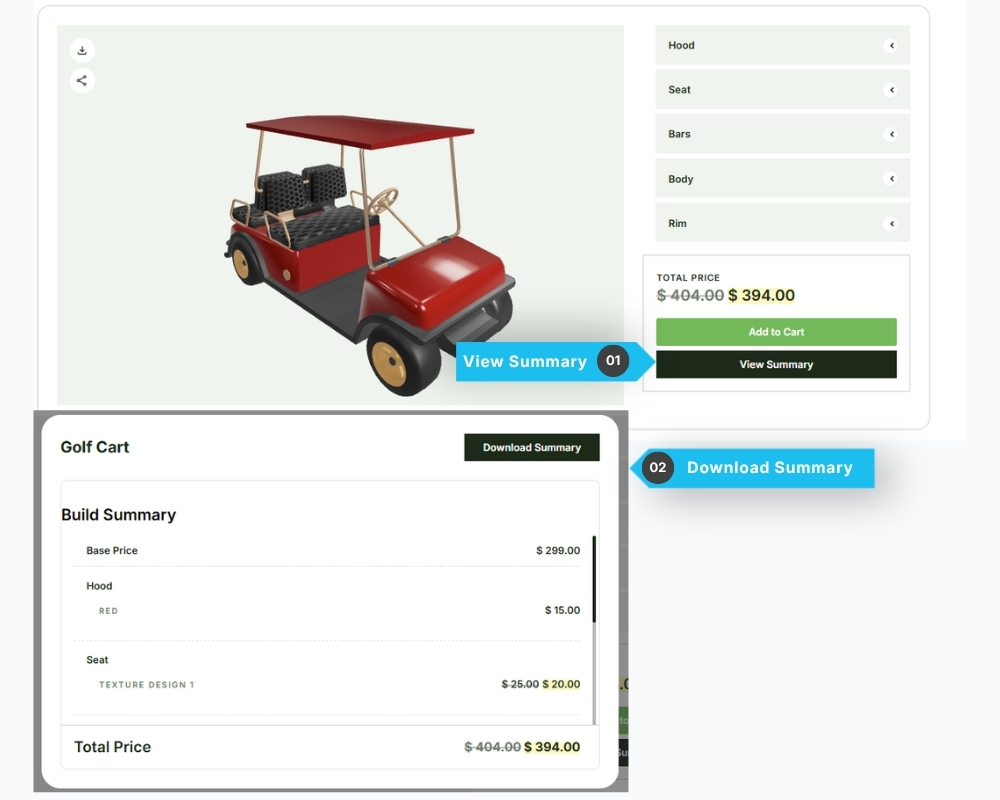
Download Summary
The Download Summary feature allows users to download a summary of their configured product as a PDF file.
After completing the product configuration, click the View Summary button to open a popup displaying the configuration details. Click the Download Summary button to generate and download the summary as a PDF file.
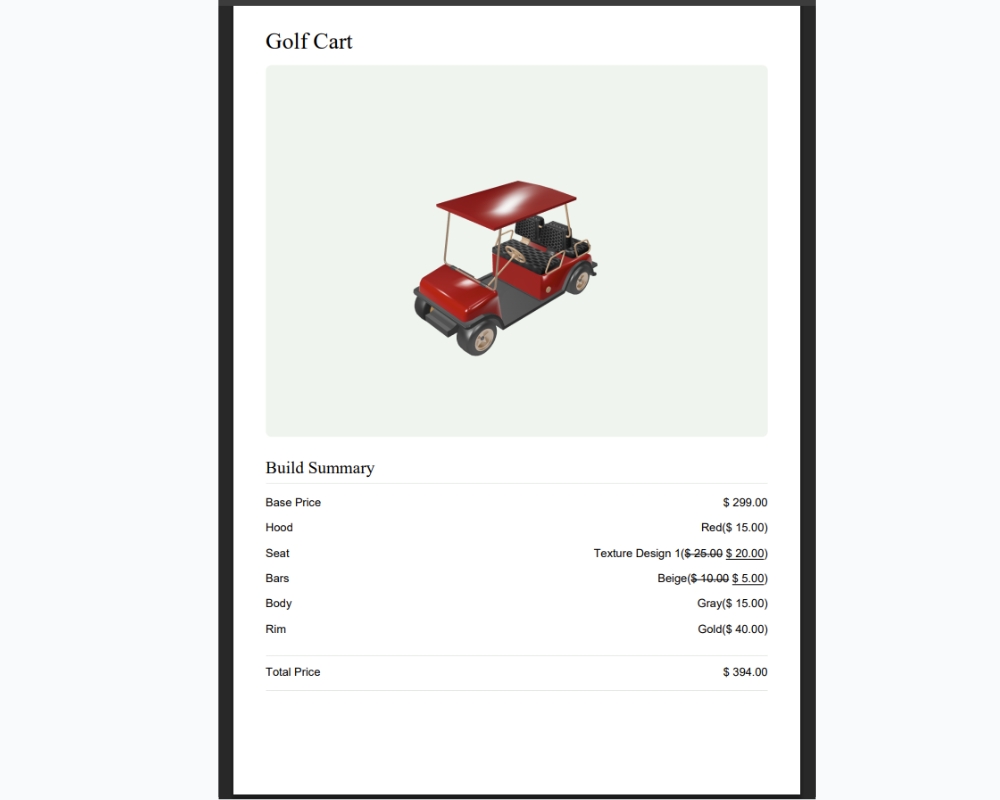
Example of the Downloaded PDF:
Share Configured Product on Social Media

Share Icon – the Share icon allows customers to easily share a link to their configured product on social media platforms such as Facebook, LinkedIn, and Pinterest. Customers can also copy the configuration link to their clipboard for easy sharing.
On mobile devices, direct sharing is also supported on Instagram and TikTok, making it easier for customers to share their customized products across social platforms.