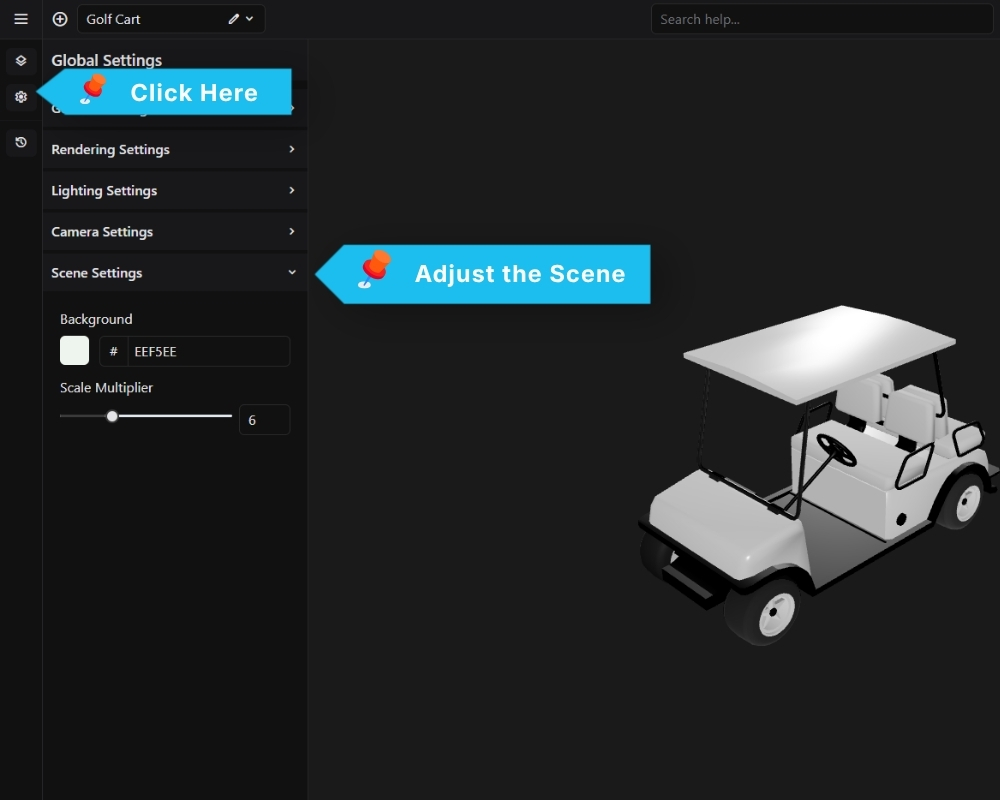
Background Sets the background color of the configurator viewport. Click the color swatch or enter a hex value directly. The default is #EEF5EE.
Scale Multiplier Scales the entire 3D model uniformly. Use this if your imported GLB appears too small or too large in the viewport without needing to re-export from Blender. Default is 6.