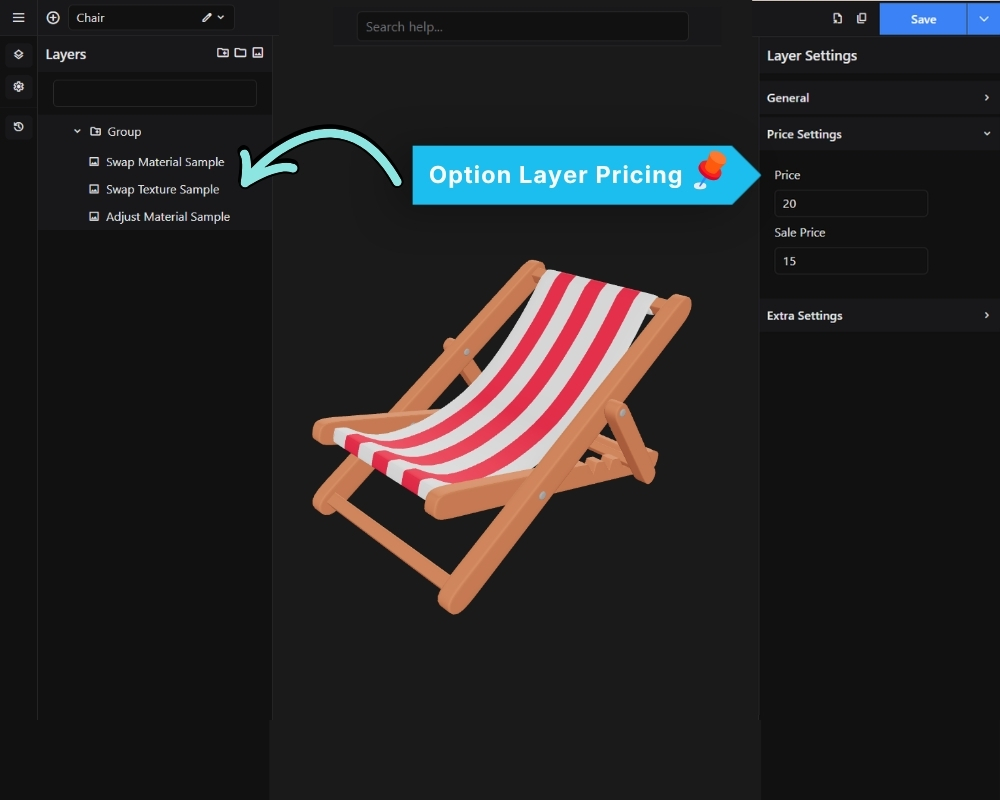
Each individual option can have its own price that is added to the base price when selected.
To set an option price:
- Select an Option layer in the Layers panel.
- Enter the price in the Price field in the right panel.
The total price displayed to the customer is: Base Price + sum of selected option prices.
For currency formatting (symbol, position, separators, decimal places), see: Global Settings → Currency Settings.