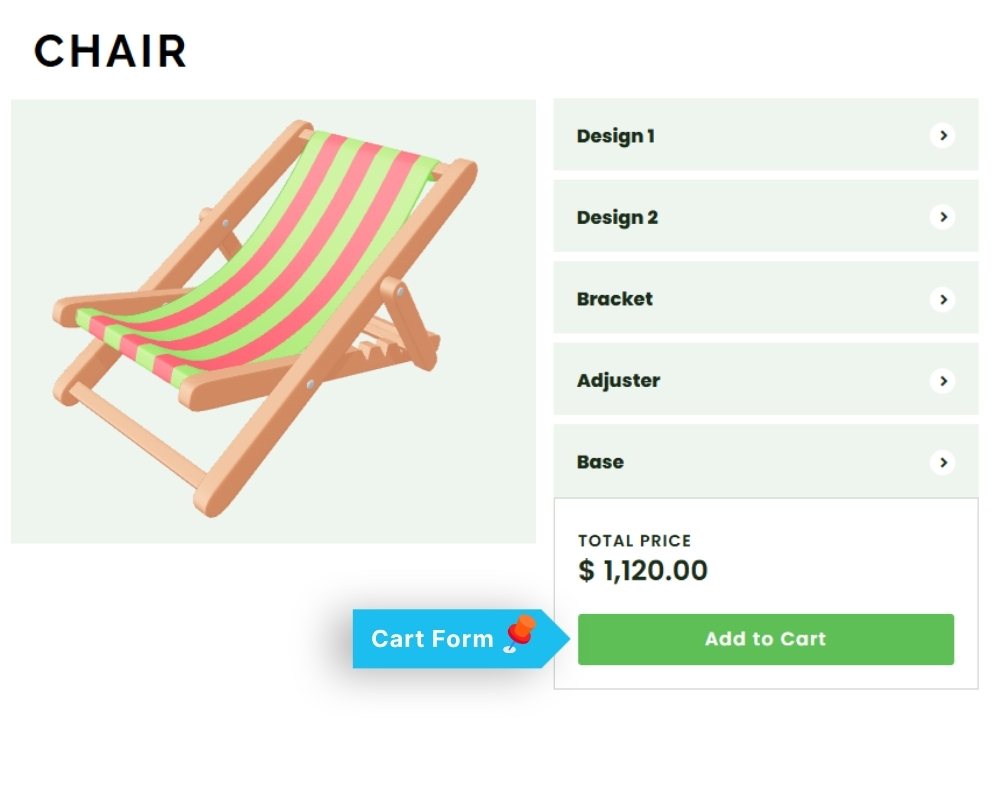
The connection is made from the WooCommerce product, not from the configurator editor.
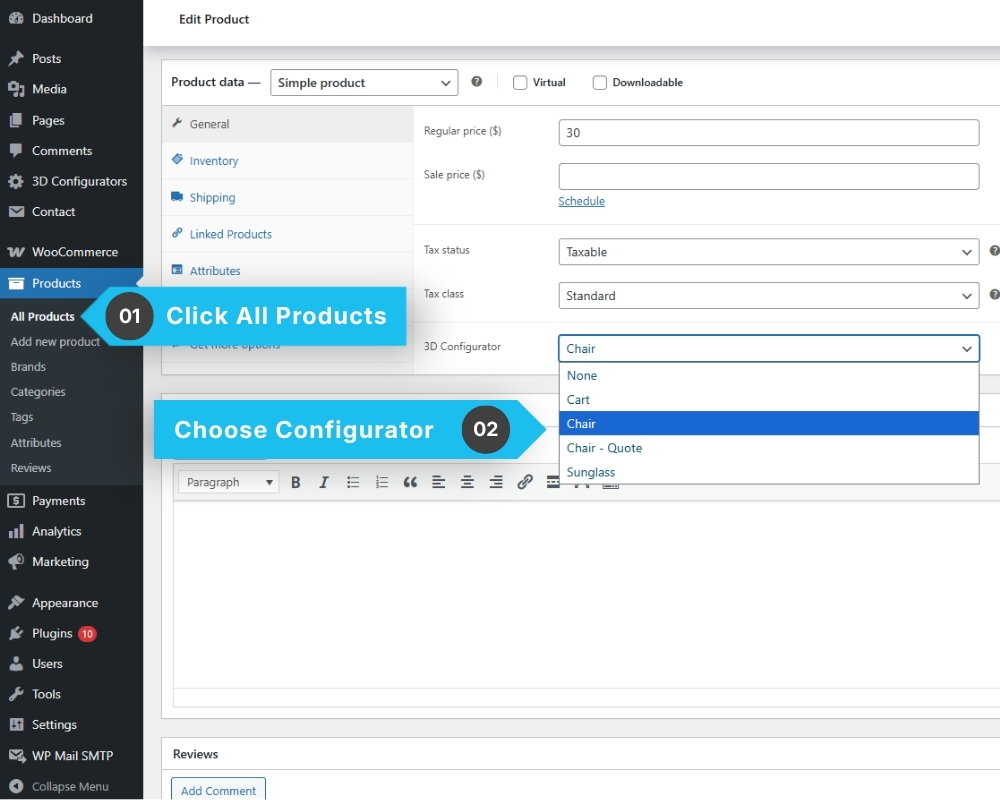
- Go to: Products → All Products
- Edit the product you want to connect.
- In the product edit screen, find the WP 3D Configurator field.
- Select the configurator you want to attach to this product.
- Update the product.
Once connected, the configurator will appear on the product page instead of the default WooCommerce product options. Customers interact with the 3D configurator and add their customized product directly to the cart.