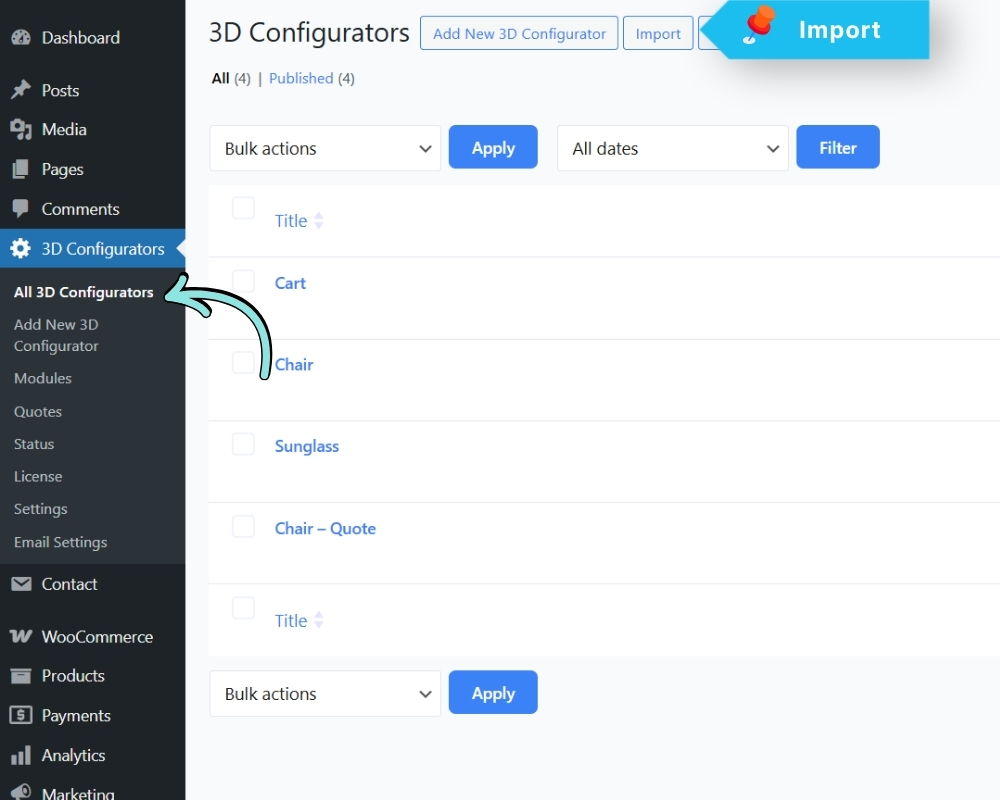
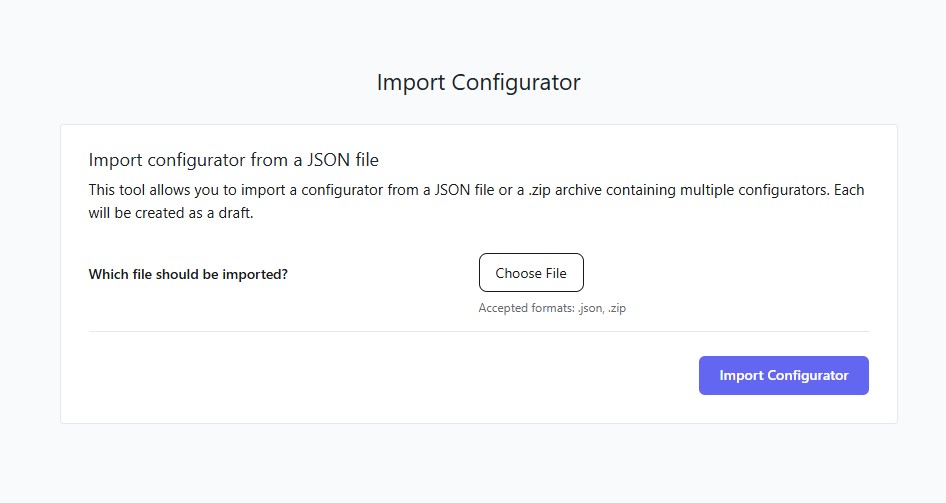
You can import a previously exported configurator file.
Go to: 3D Configurators → Import
- Click Choose File
- Select a .json file (single configurator) or a .zip file (multiple configurators)
- Click Import Configurator
NOTE: Imported configurators are created as Drafts. Review and publish them manually after importing.