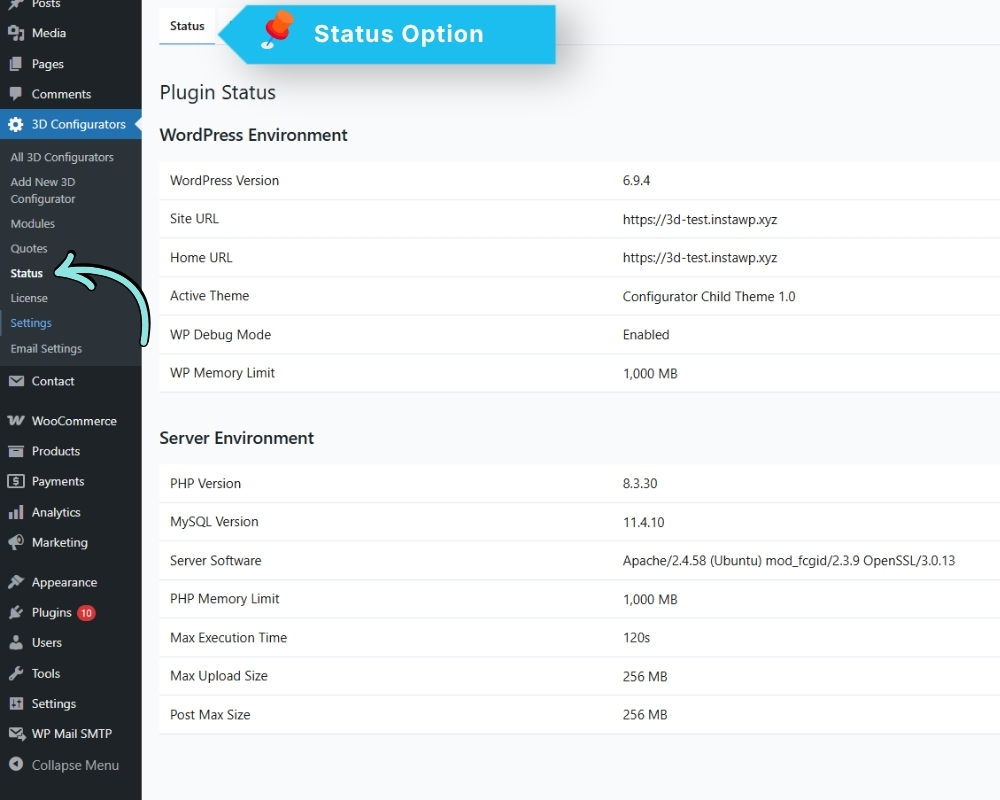
The Status page gives a full overview of your WordPress and server environment. Check this first when something is not working as expected.
Go to: 3D Configurators → Status
It displays:
WordPress Environment
WordPress Version, Site URL, Home URL, Active Theme,
WP Debug Mode, WP Memory Limit
Server Environment
PHP Version, MySQL Version, Server Software,
PHP Memory Limit, Max Execution Time,
Max Upload Size, Post Max Size
Use this information to confirm your environment meets the plugin requirements listed in Section 1.