
The first time you activate the plugin, an onboarding screen will appear to help you get started. It walks you through four steps:
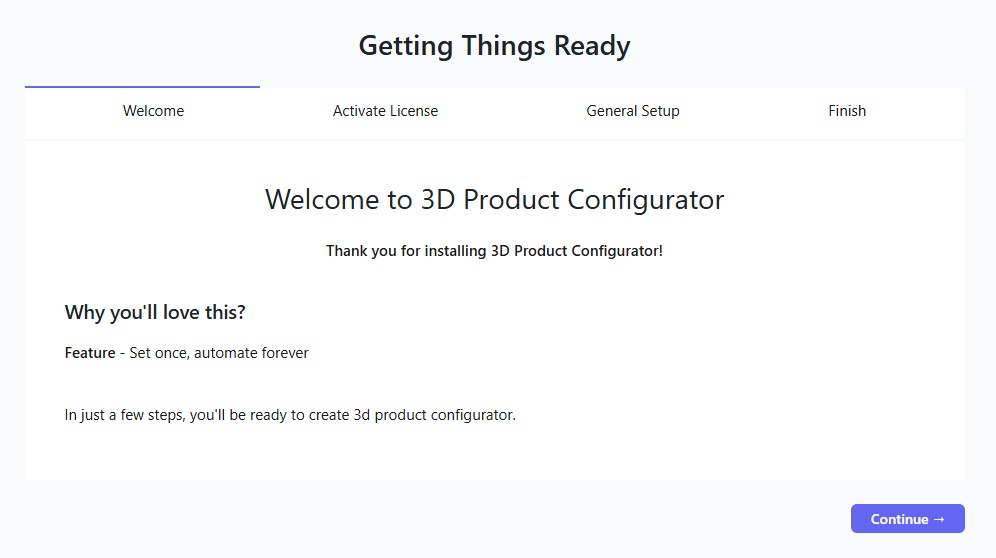
General Info
Gives you a brief overview of what the plugin does and how it is structured.
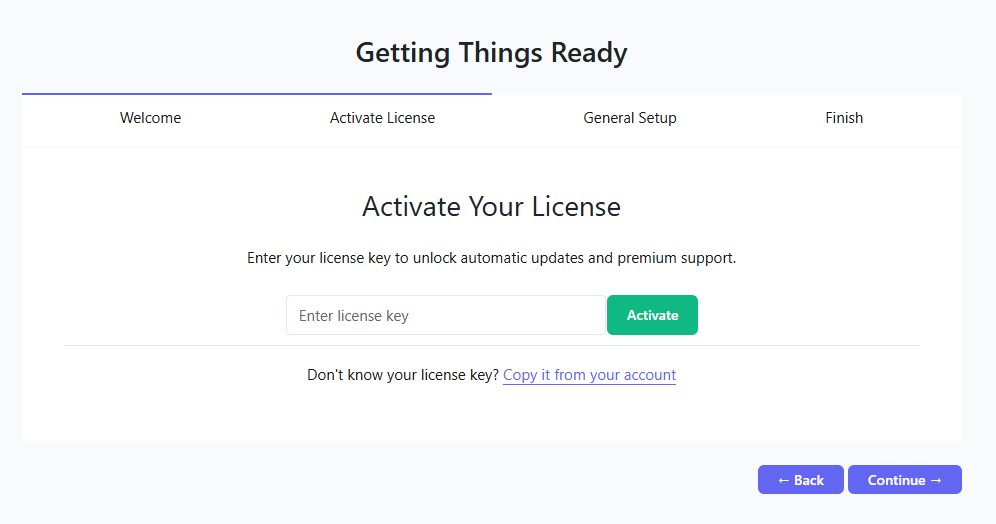
Activate License
Enter your license key to activate the plugin. Without an active license, certain features may be restricted.
You can also access this later from: 3D Configurators → License
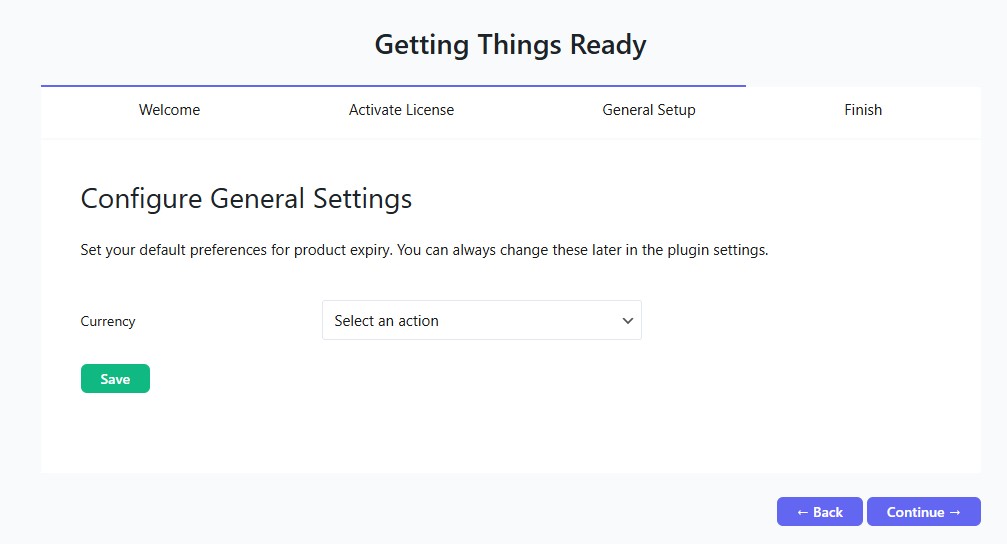
General Settings
A quick setup for the most important global settings such as currency and email configuration. These can be changed at any time from: 3D Configurators → Settings
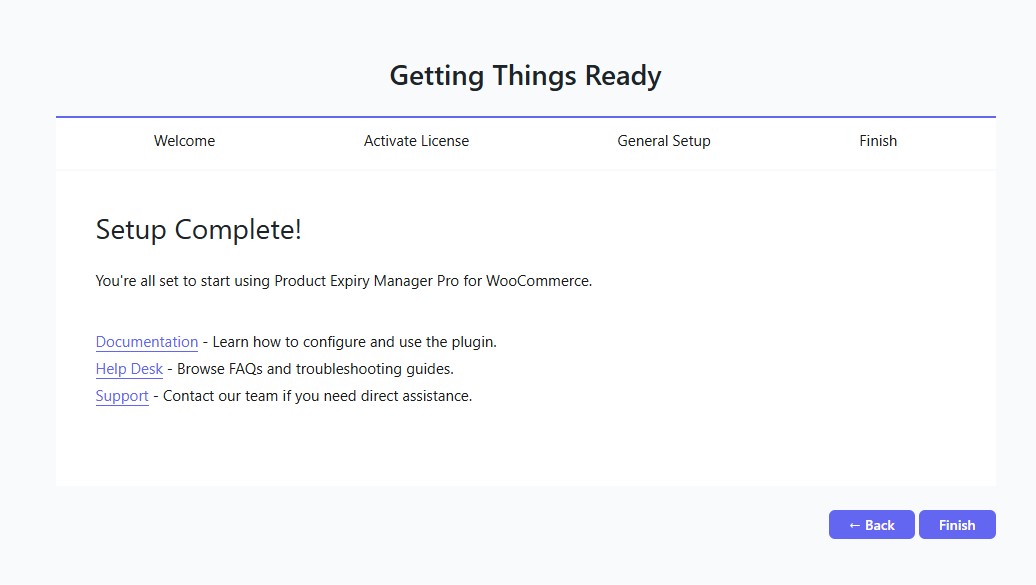
Help Links
Links to documentation, FAQ, and support resources so you know where to go if you need help.
NOTE: You can revisit these settings at any time. The onboarding screen only appears once on first activation.