
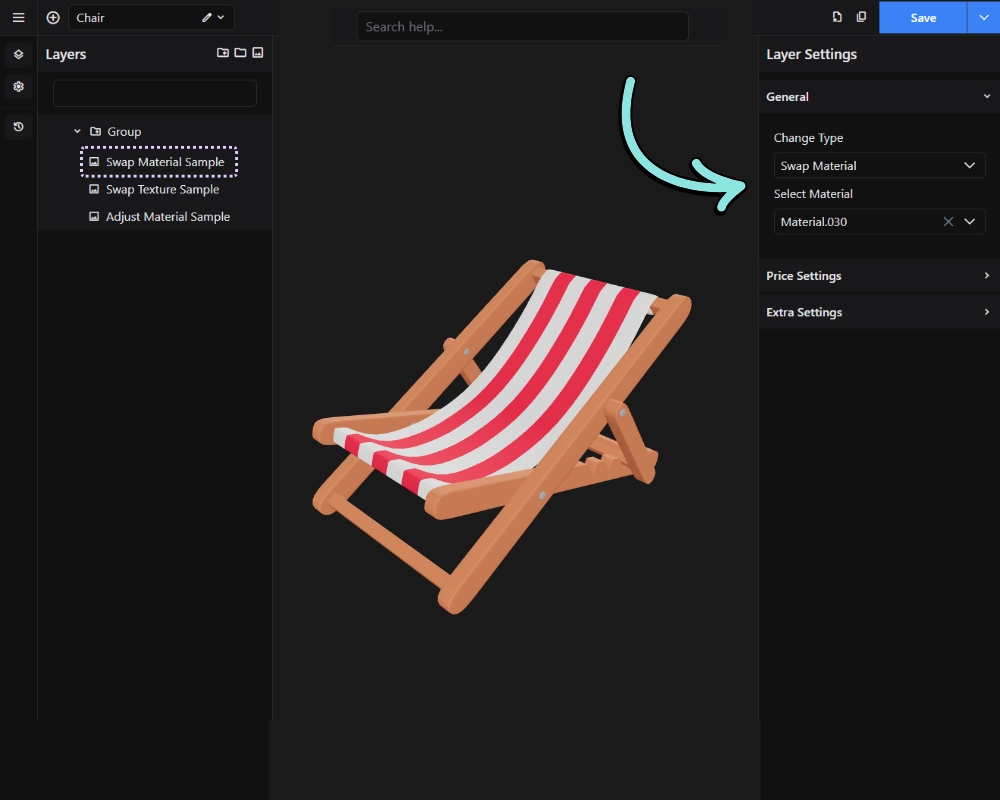
Replaces the material of the assigned meshes with a different material from the GLB file. Use this when you want to change the overall look of a surface – for example, switching from a glossy finish to a matte one, or changing a metal type.
Result on front-end:
