

Replaces the texture image on the assigned meshes. Use this when the material stays the same but the visual pattern or image on the surface changes – for example, switching between different fabric patterns or printed designs.
Result on front-end:
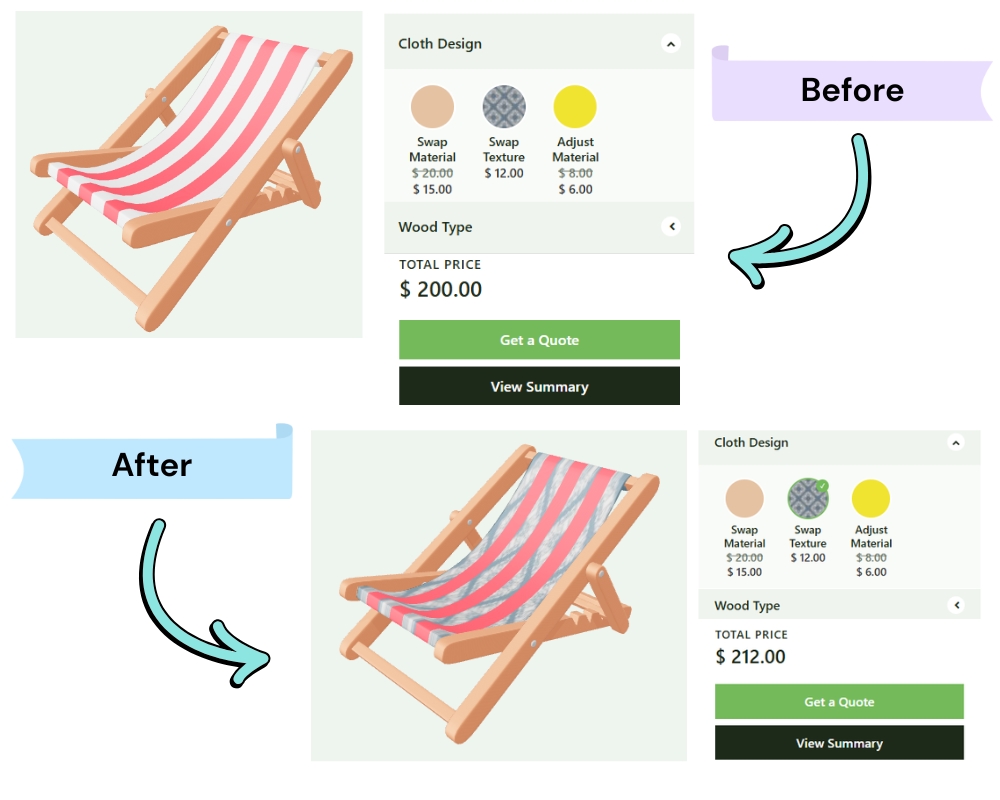
Replaces the texture image on the assigned meshes. Use this when the material stays the same but the visual pattern or image on the surface changes – for example, switching between different fabric patterns or printed designs.
Result on front-end: