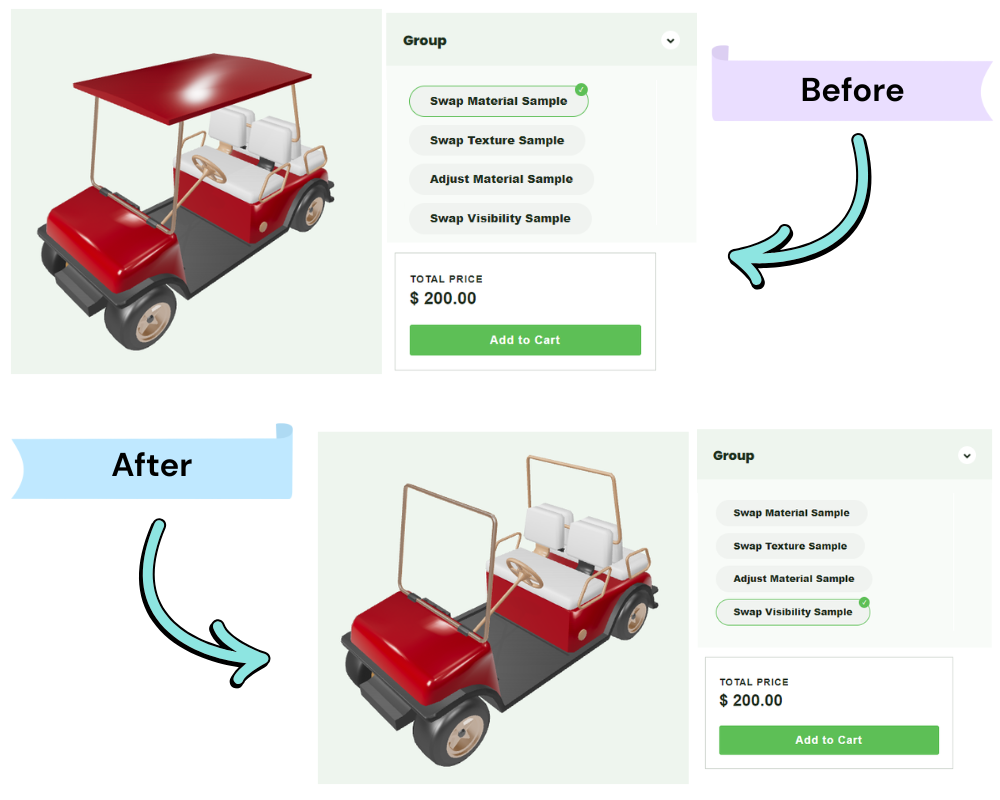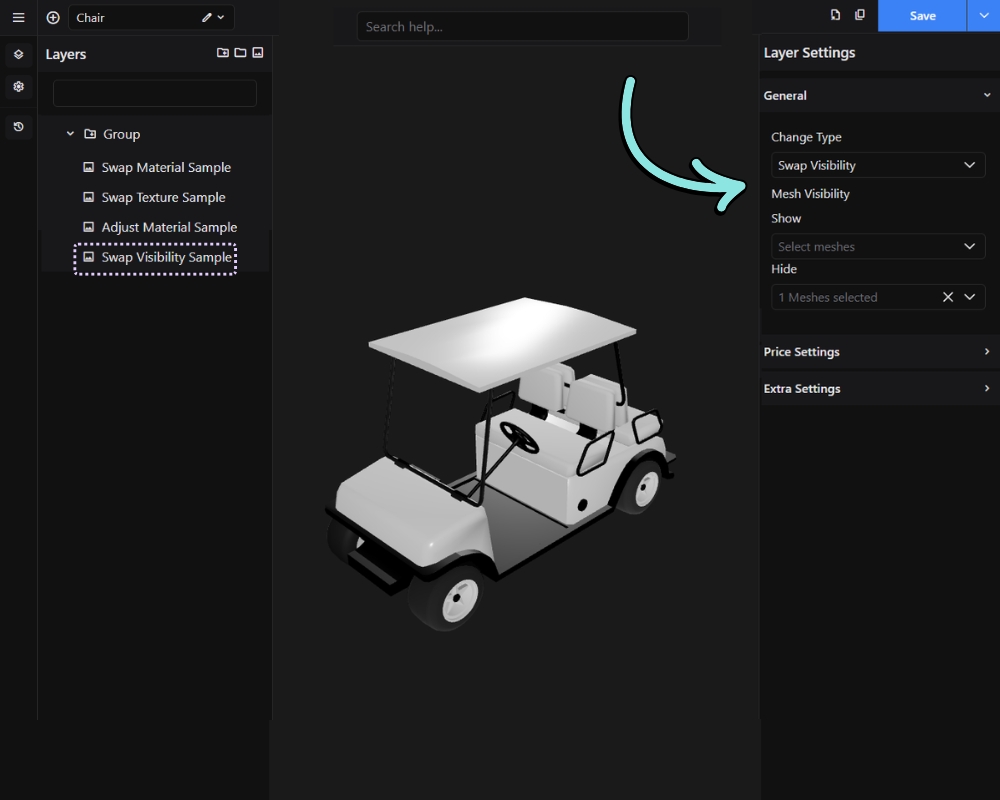
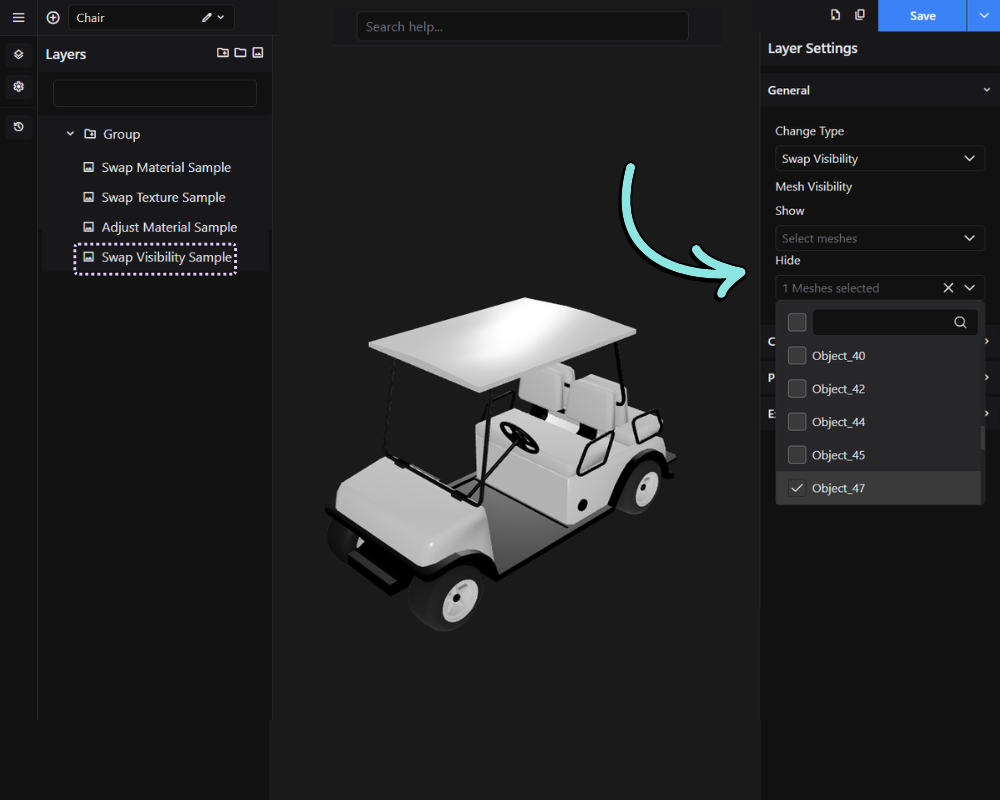
The Swap Visibility feature allows you to show or hide specific meshes when an option is selected. This is useful for creating optional product components, enabling customers to add or remove parts of a product without needing separate 3D models.
Instead of changing colors, materials, or textures, Swap Visibility controls the visibility state of selected meshes. When an option is activated, designated meshes can be displayed while others are hidden, creating different product variations within the same configurator.
Result on front-end: