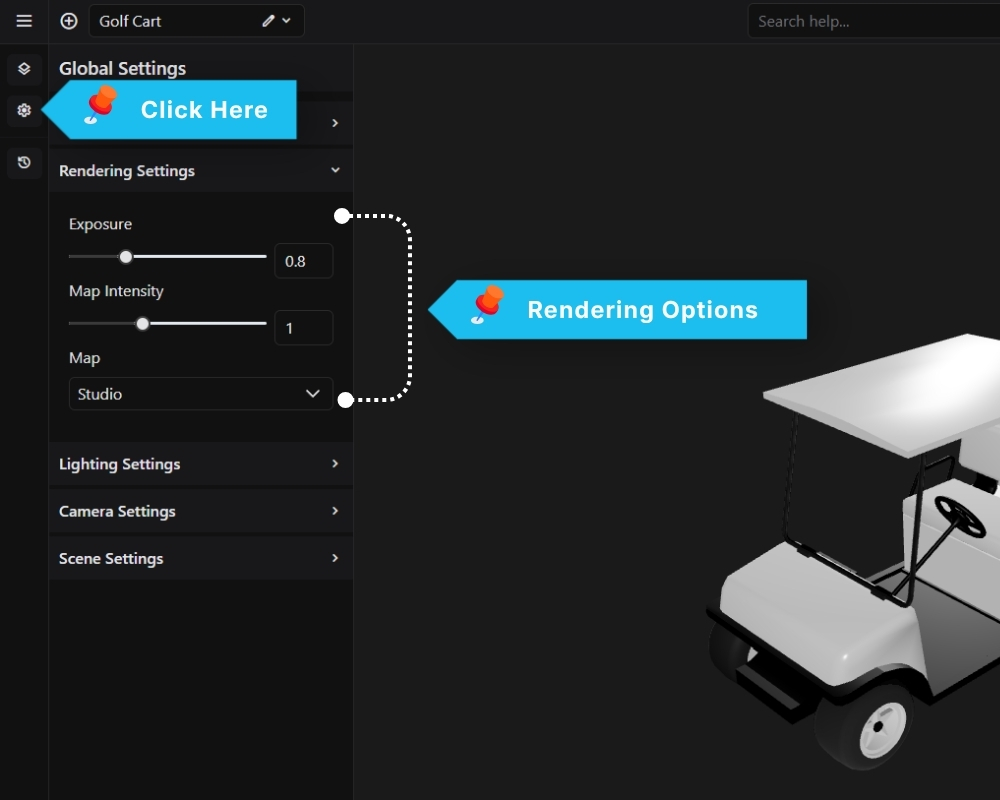
The Rendering Settings panel controls how the 3D scene is tone-mapped and lit by the environment map.
Exposure Controls the overall brightness of the rendered scene. Lower values produce a darker image; higher values brighten it. Default is 0.8.
Map Intensity Sets how strongly the environment map contributes to lighting and reflections on materials. A value of 1 applies the map at full strength. Reducing it softens reflections without changing the map itself.
Map Selects the HDR environment map used for image-based lighting (IBL). The chosen map affects the tone of reflections across all materials in the scene. Available presets include Studio and others depending on your configuration.