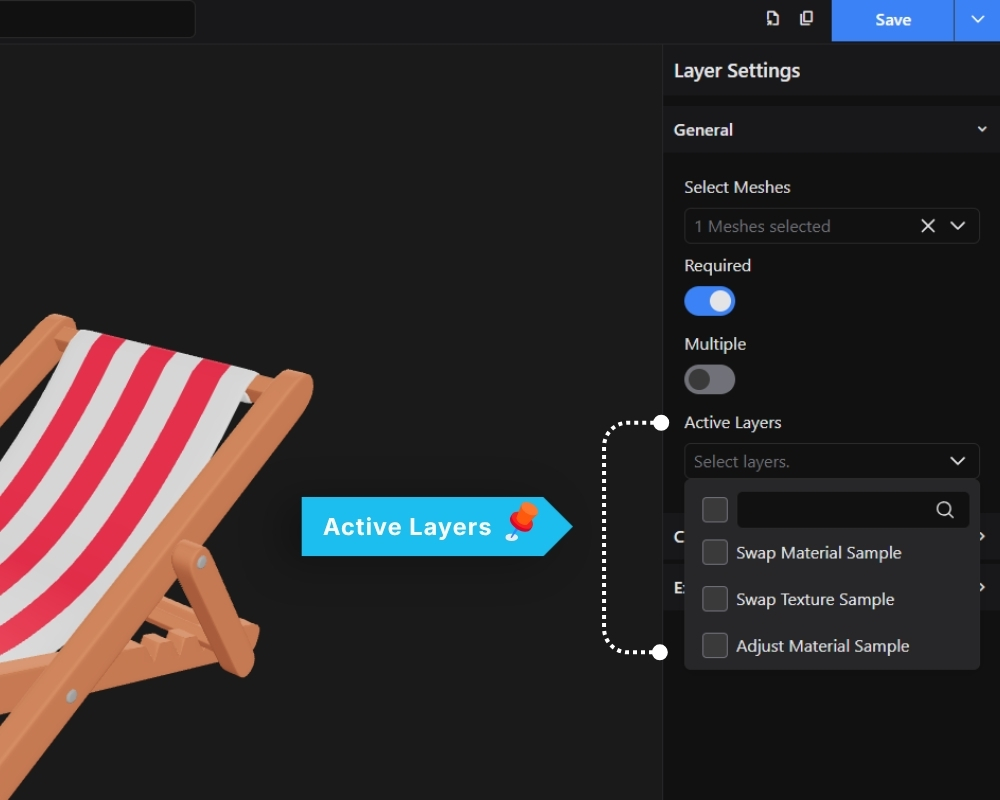
By default, no option is pre-selected when the configurator loads. You can set a default selection using the Active Layers setting on any option.
When Active Layers is enabled on an option, that option will be pre-selected when the page loads, and the 3D model will reflect that selection automatically.
This is also how you control mesh visibility. If a mesh should be hidden by default and only appear when a specific option is selected, leave Active Layers off for that option and enable it only on the option that should show the mesh.