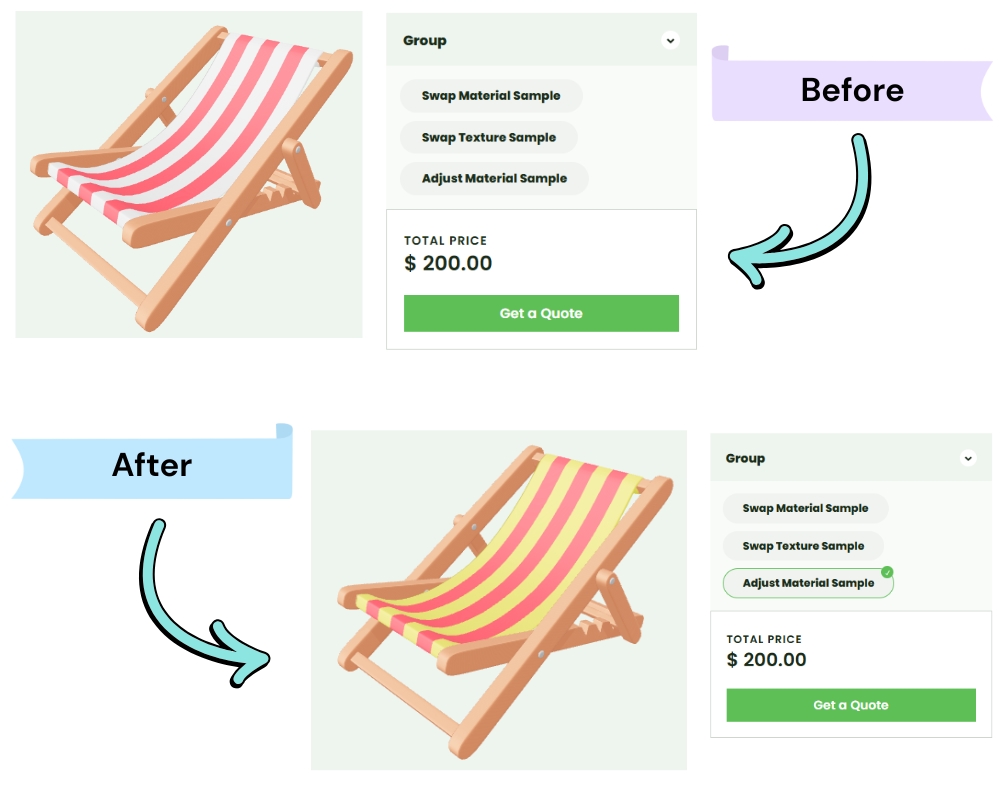
Each option must have an action type that defines what happens to the 3D model when the customer selects it.
There are currently three action types:
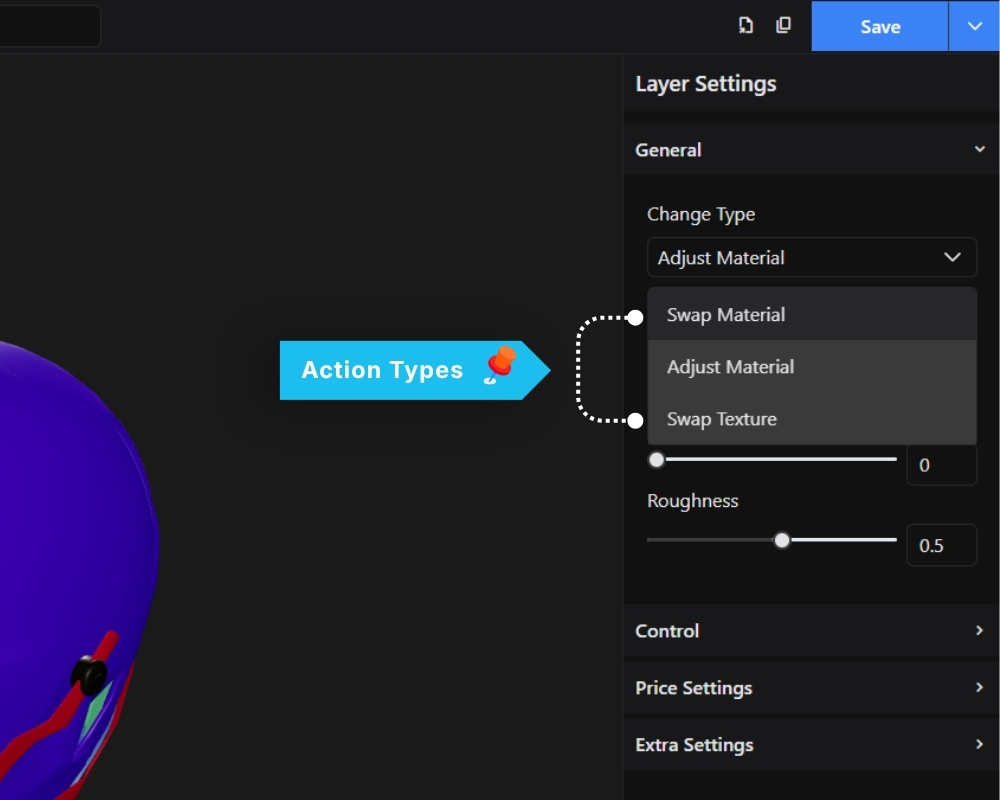
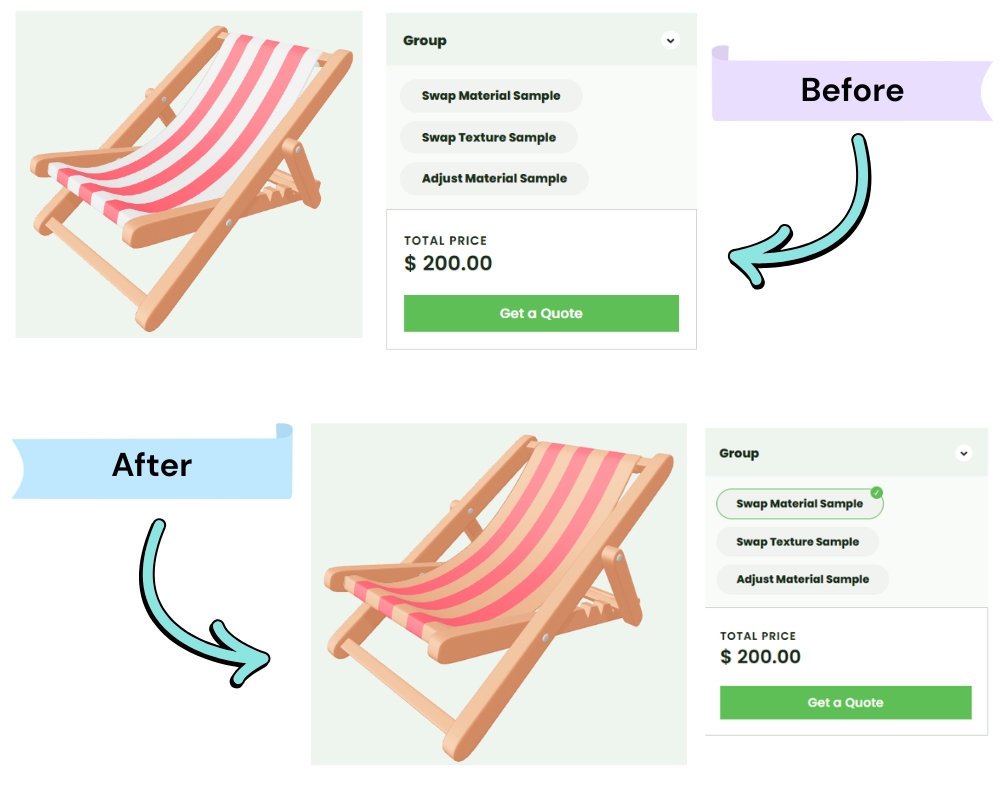
Swap Material
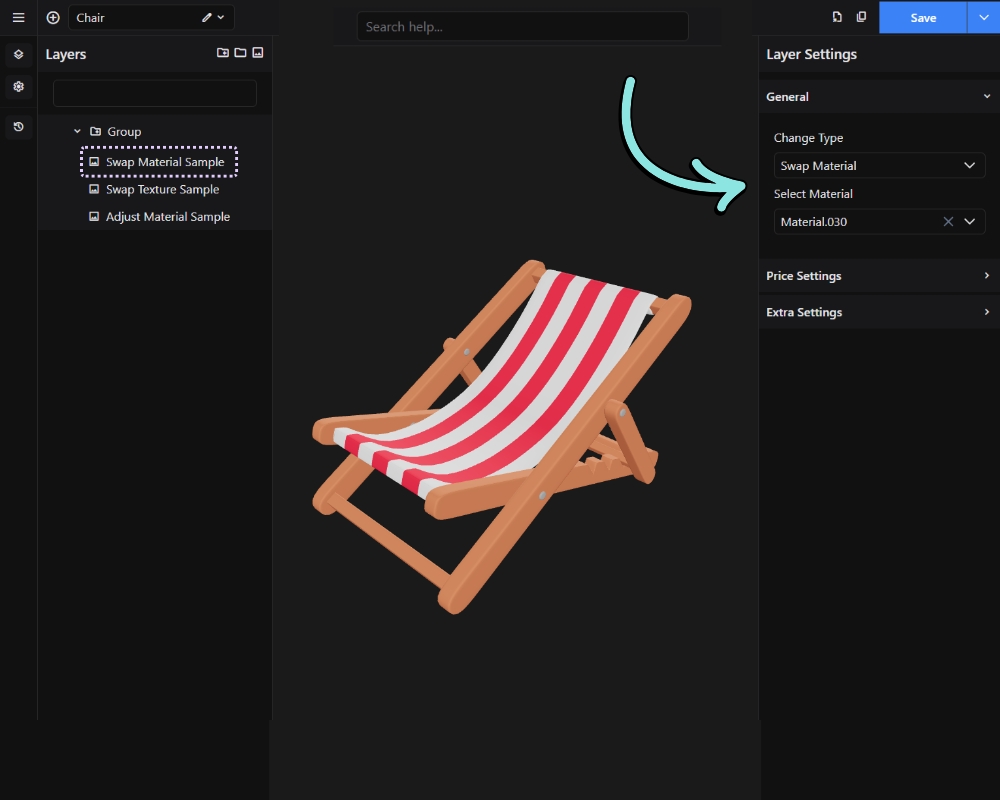
Replaces the material of the assigned meshes with a different material from the GLB file. Use this when you want to change the overall look of a surface – for example, switching from a glossy finish to a matte one, or changing a metal type.
Result on front-end:
Swap Texture
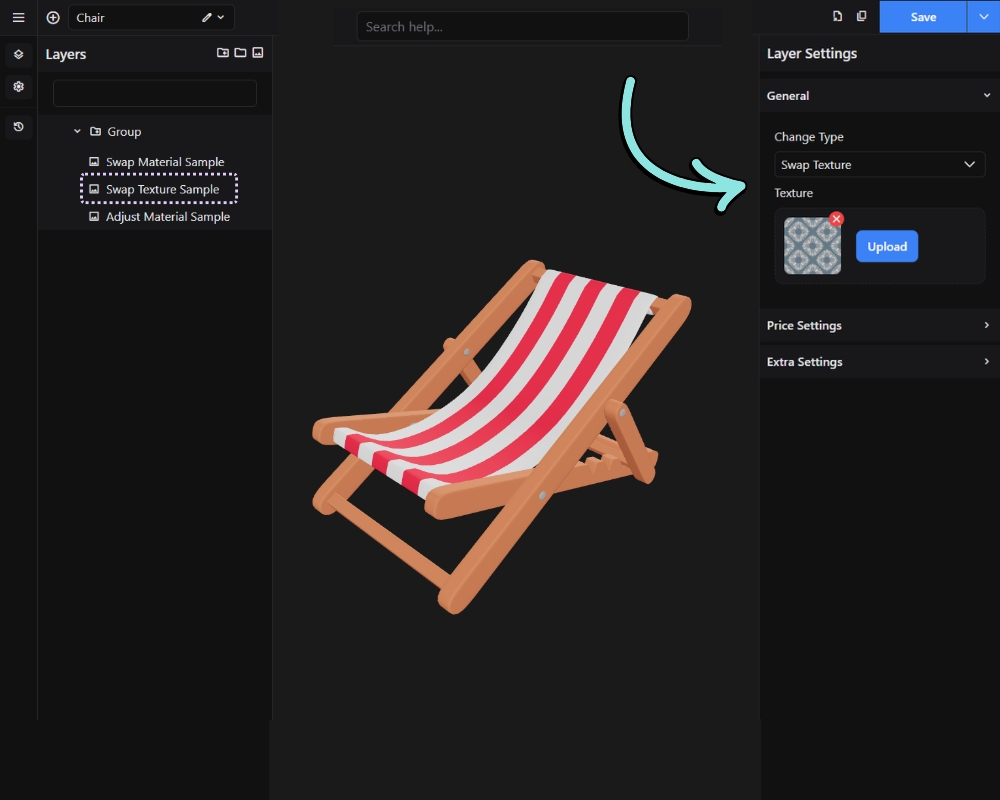
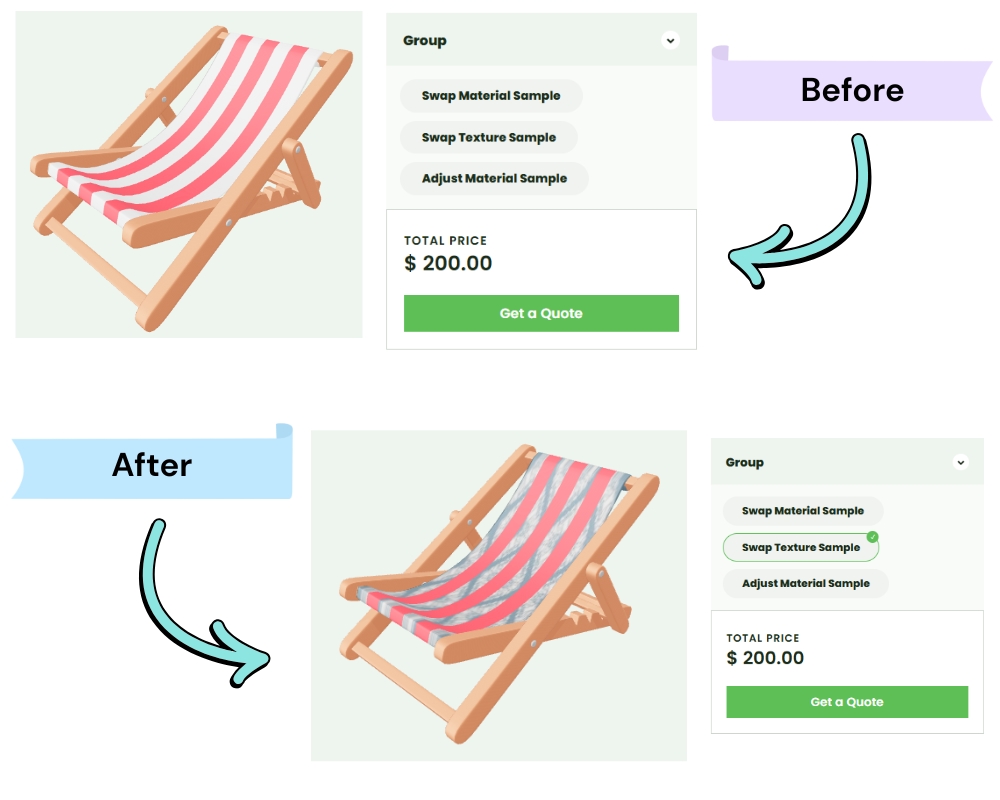
Replaces the texture image on the assigned meshes. Use this when the material stays the same but the visual pattern or image on the surface changes – for example, switching between different fabric patterns or printed designs.
Result on front-end:
Adjust Material
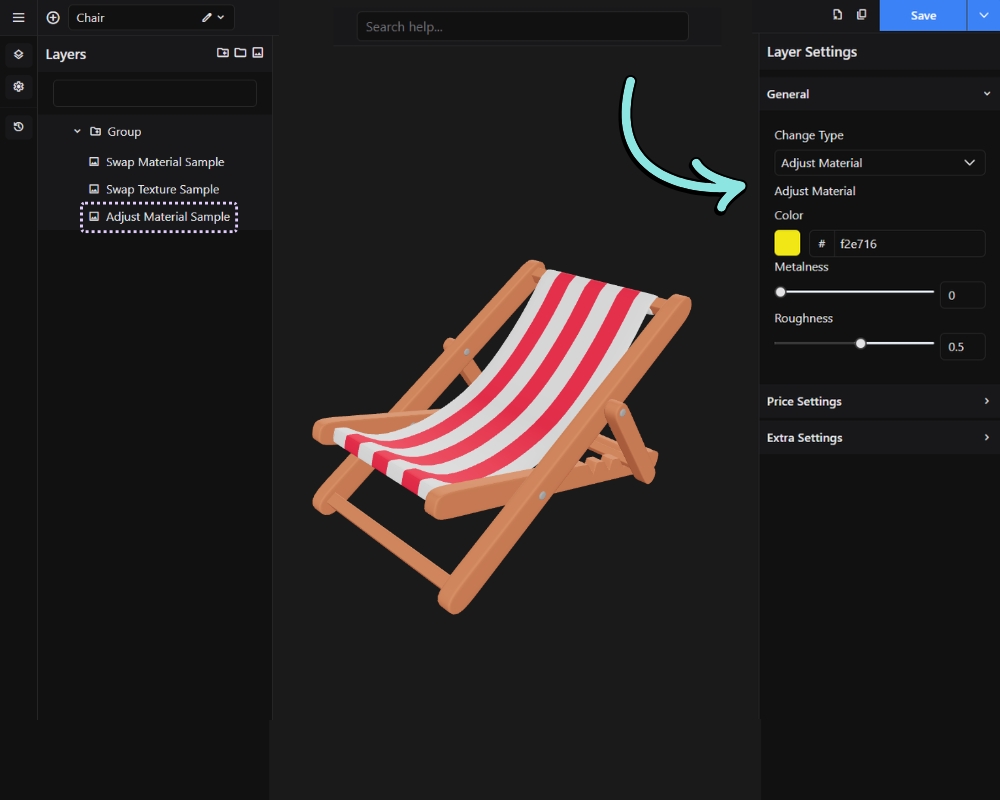
Modifies specific properties of the existing material such as color, roughness, or metalness. Use this for fine-tuned control – for example, offering a color picker where the customer dials in an exact color rather than choosing from fixed swatches.
NOTE: The input shown for each option (color picker, icon, label etc.) is determined by the Control Type set on the parent Group layer.
Result on front-end: