- In your WordPress dashboard, go to: 3D Configurators → Add New 3D Configurator
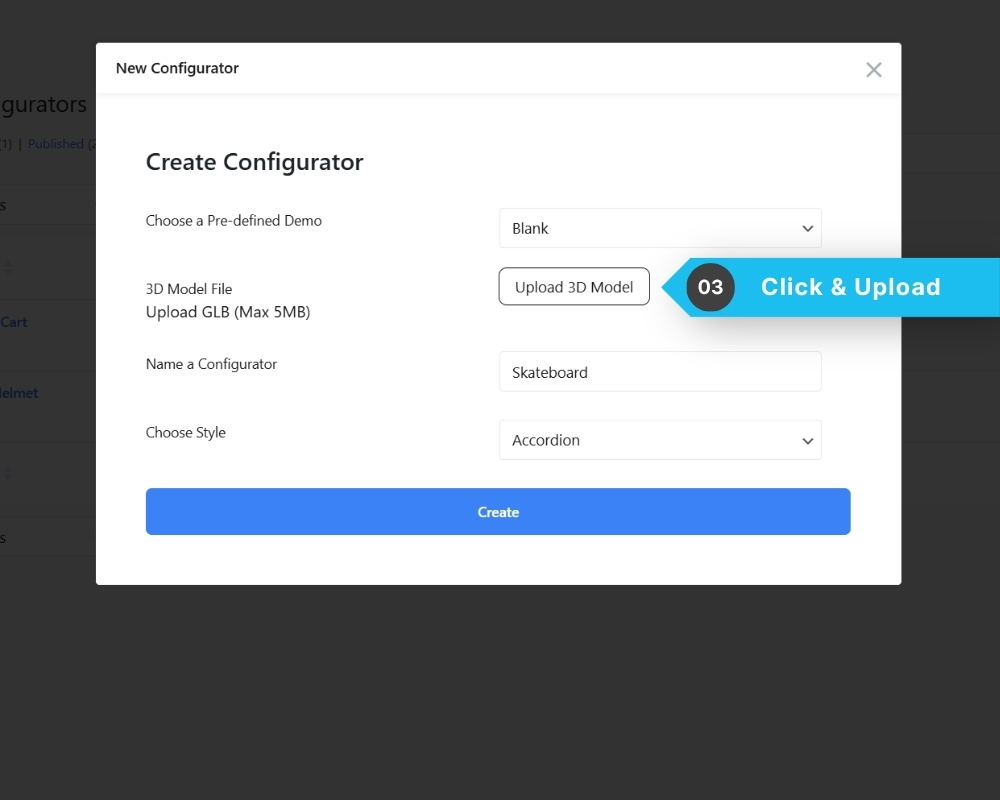
- A creation modal will appear.
- Click the upload area and select your GLB file (max 5MB).
- Enter a name for your configurator.
- Choose a layout style (e.g. Accordion).
- Click Create.
The configurator will be saved as a Draft, and you will be taken directly into the editor.