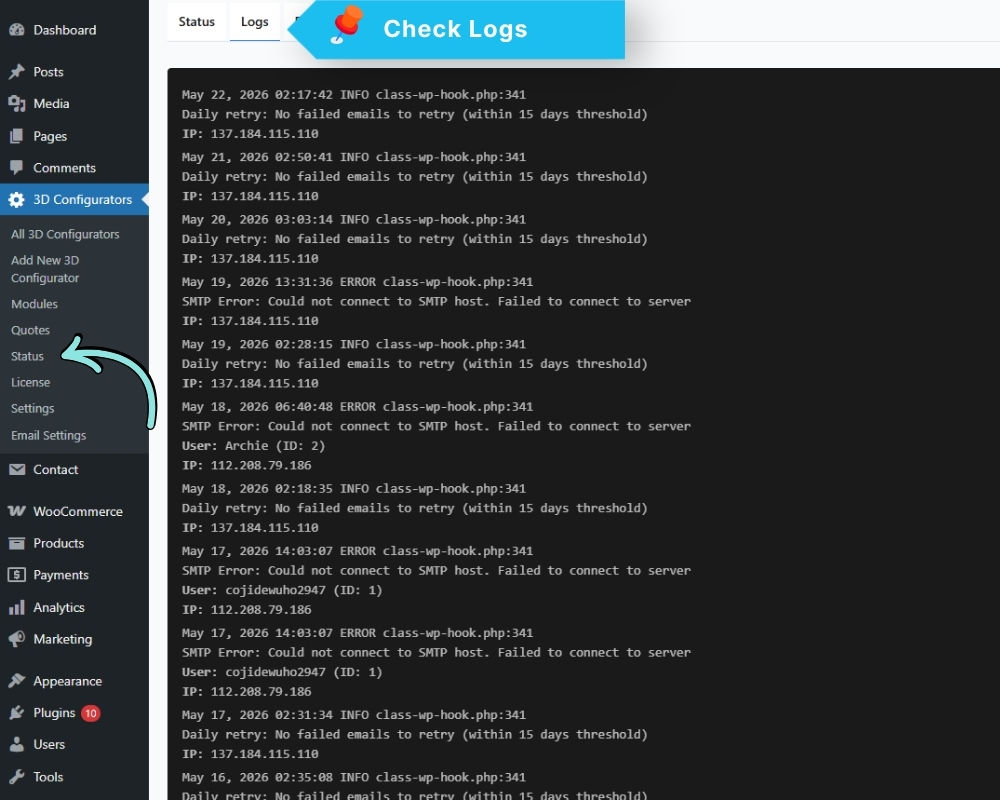
The Debug Log records all plugin activity, including errors, warnings, and informational events. It is the first place to look when something is not behaving correctly.
Go to: 3D Configurators → Status → Debug Log
Features:
- Shows a timestamped list of events and errors
- Allows you to download the log as a file for sharing with support
Enable debug logging if you are experiencing an issue and need to capture detailed information about what is happening behind the scenes.