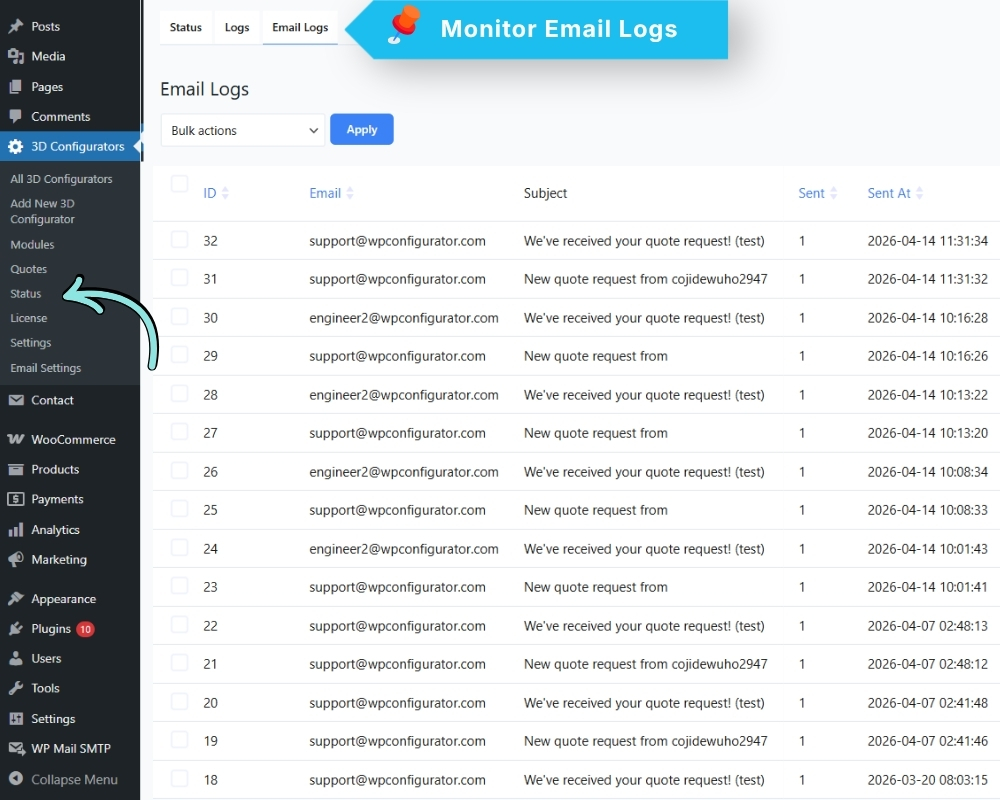
The Email Log tracks every email the plugin attempts to send.
Go to: 3D Configurators → Status → Email Logs
For each email it shows:
- The recipient address
- The subject line
- The date and time
- Whether it was sent successfully or failed
If customers are not receiving quote emails, check here first to see whether the email was sent or failed, and what the error was.