You can export configurator data as a JSON file for backup or to move between sites.
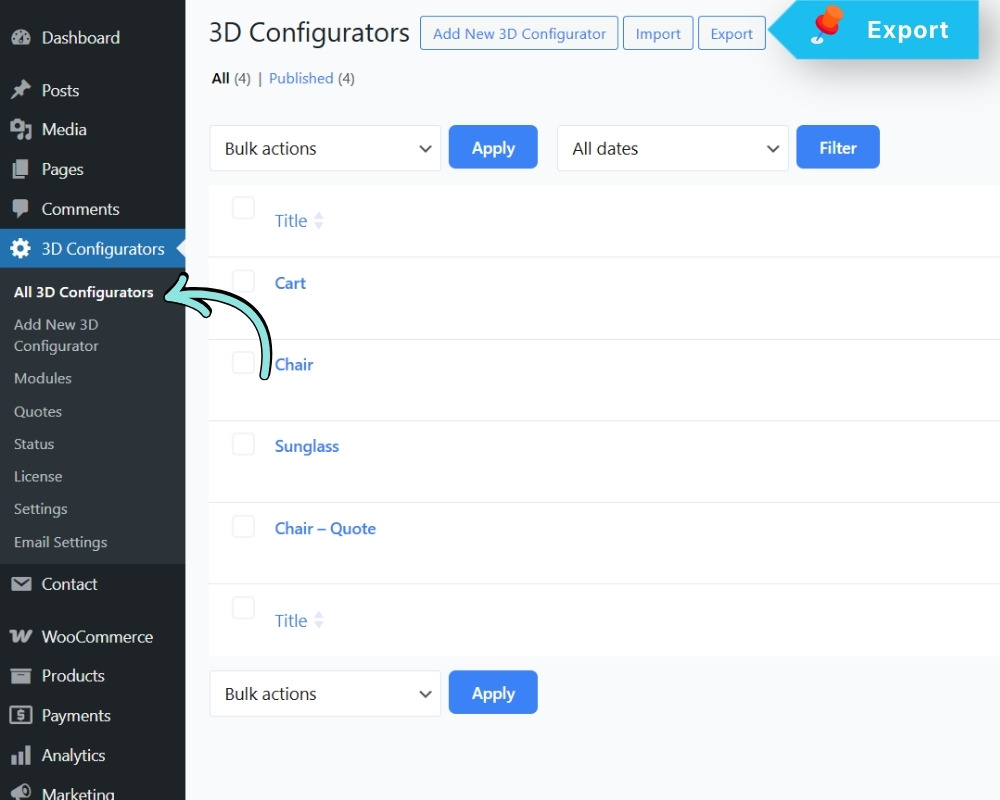
Go to: 3D Configurators → Export
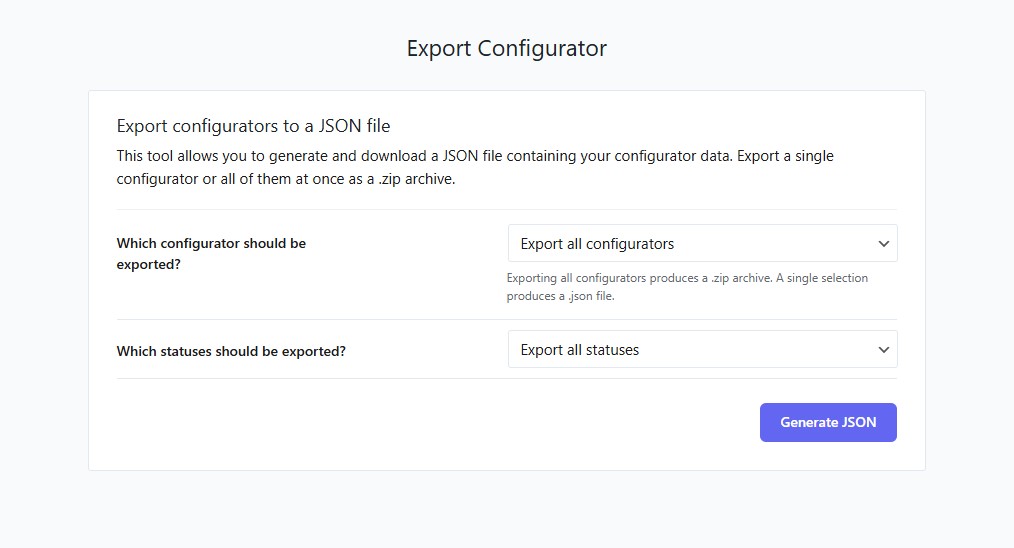
Options:
- Export a single configurator (JSON file)
- Export all configurators (ZIP archive containing
individual JSON files) - Filter by status before exporting (Published, Draft, etc.)
Click Generate JSON (or Generate ZIP) to download.