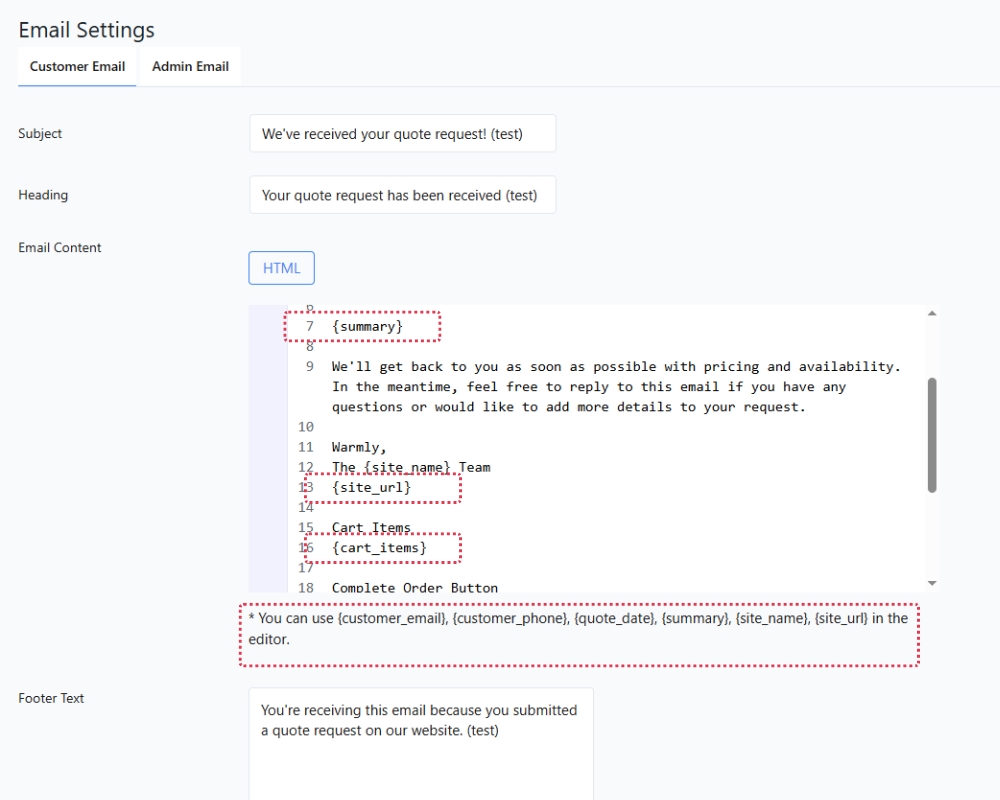
Mail tags are dynamic placeholders that are automatically replaced with real data when the email is sent.
Available mail tags:
{summary} The customer’s full configuration summary
(list of selected options)
{customer_name} The customer’s name
{customer_email}The customer’s email address
Example usage in an email template:
“Thank you for your request, {customer_name}. Here is a
summary of your configuration: {summary}”