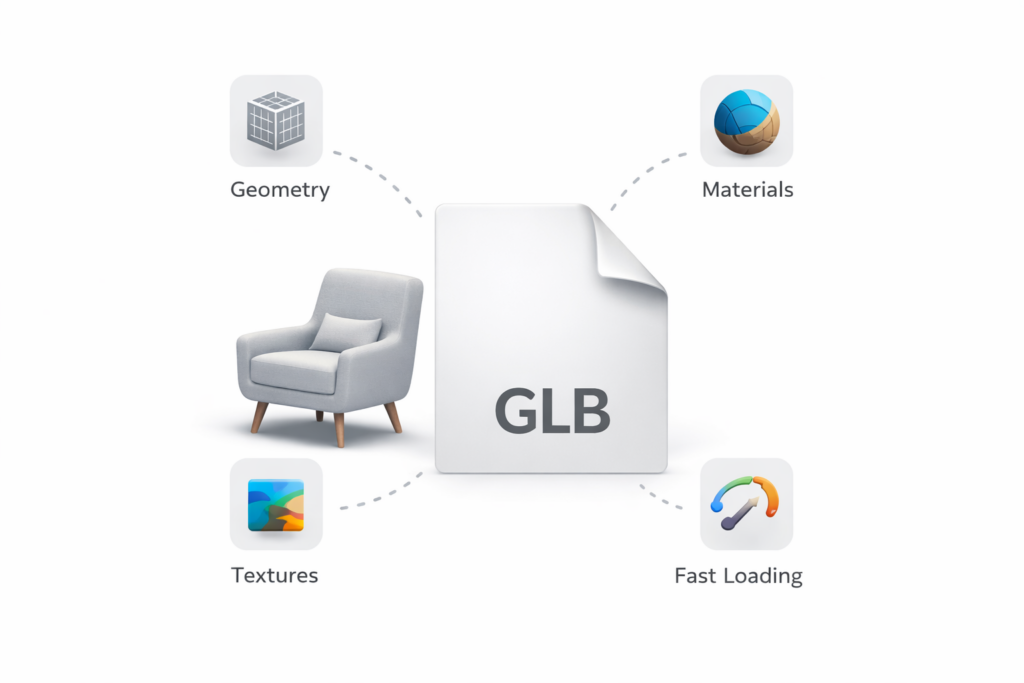
WP 3D Configurator requires a 3D model file in GLB format.
GLB (GL Binary) is a compact, self-contained 3D file format. It packages the 3D geometry, materials, and textures into a single file, making it ideal for web-based 3D rendering.
- Maximum file size: 5MB
- Supported format: GLB only
Tips for preparing your GLB file:
- Use Blender (free) to create or export GLB files. When exporting from Blender, choose File → Export → glTF 2.0 and select GLB as the format.
- Keep the model optimized. Reduce polygon count and compress textures where possible to stay within 5MB.
- Name your meshes clearly inside the 3D software. The plugin reads mesh names directly, so descriptive names (e.g. “Body”, “Wheels”, “Frame”) make it easier to build your configuration options. NOTE: GLTF format is not supported. Use GLB only.