
A. Drag and drop layers in the Layers panel to reorder them.
B. Right-click a layer (or use the layer menu) to duplicate or delete it.
C. Pressing Delete on your keyboard will delete the currently selected layer.
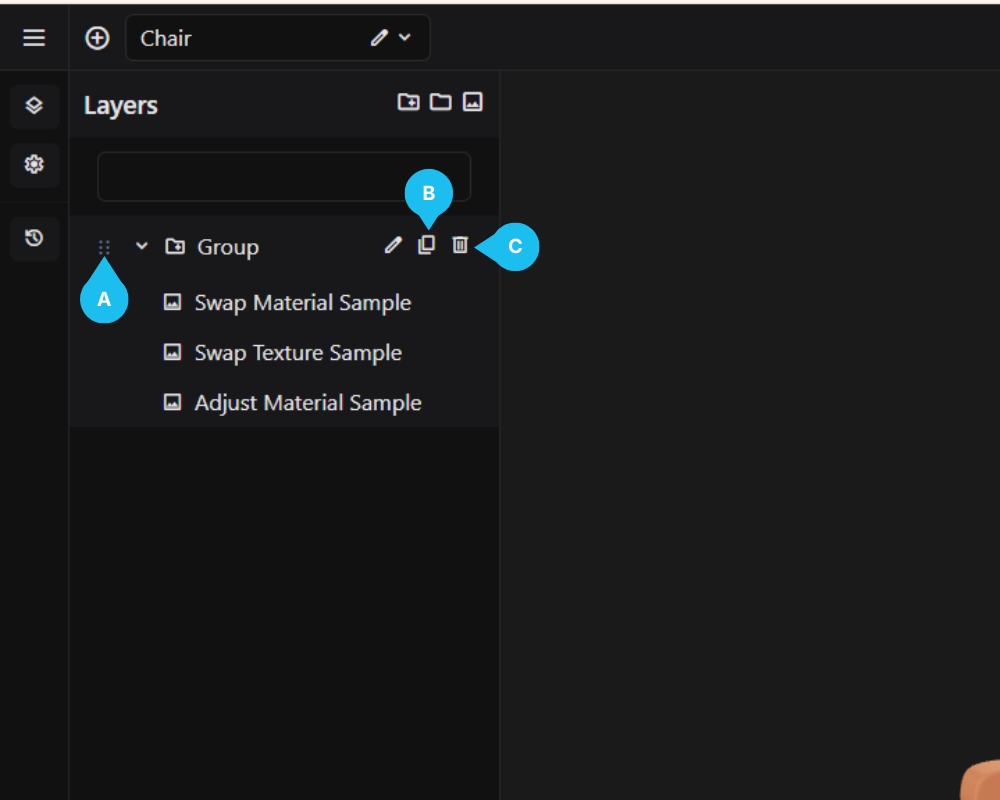
A. Drag and drop layers in the Layers panel to reorder them.
B. Right-click a layer (or use the layer menu) to duplicate or delete it.
C. Pressing Delete on your keyboard will delete the currently selected layer.