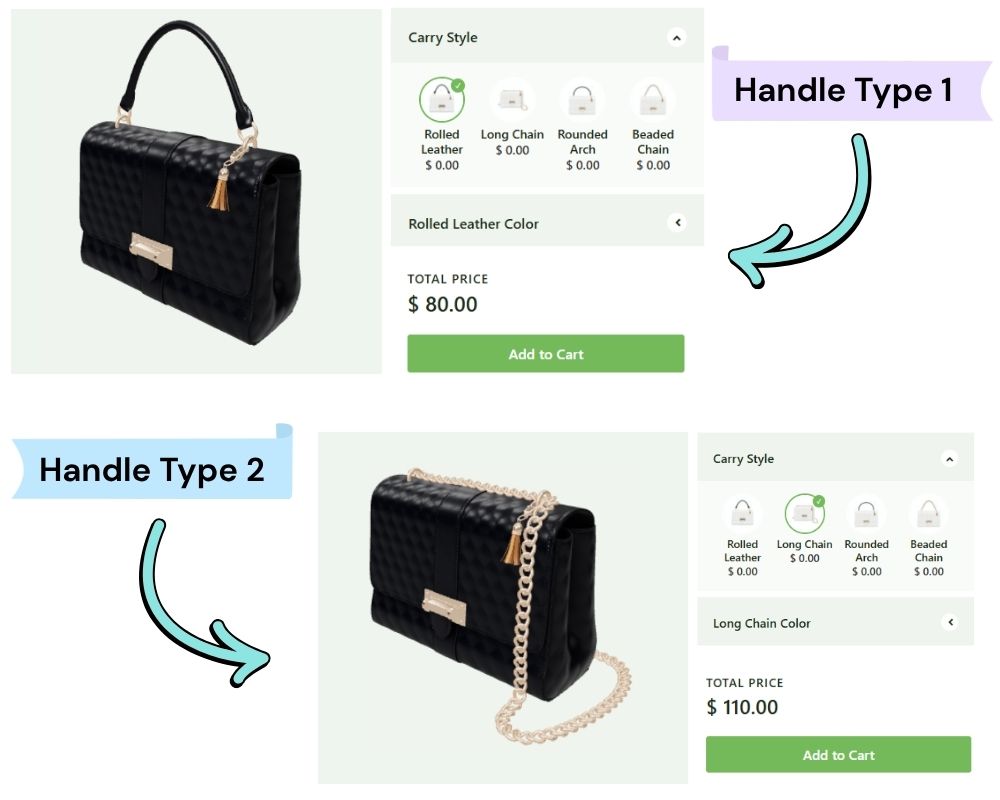
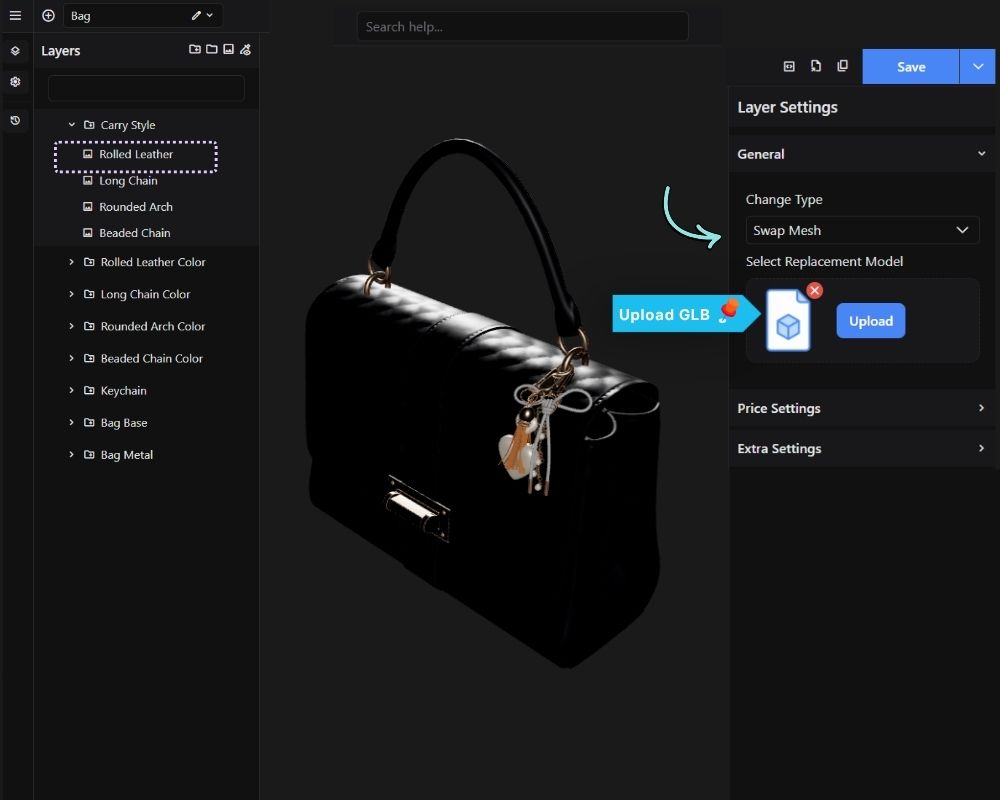
The Swap Mesh feature replaces the selected mesh(es) with a completely different 3D model when an option is selected. Use this when the variation isn’t a different color, texture, or material, but a different shape entirely – for example, swapping a straight table leg for a turned one, or replacing a plain door panel with a paneled design or having different options of bag strap and the likes.
Unlike Swap Visibility, which only shows or hides meshes that already exist within the same model, Swap Mesh loads a separate GLB file and substitutes it for the original mesh(es) at runtime. This lets you introduce new geometry on demand instead of having to bundle every shape variation inside the base model.
NOTE: The replacement is uploaded as its own GLB file (up to 5MB). The original mesh is hidden rather than deleted, so switching back to another option restores it instantly, and previously loaded replacement models are cached so re-selecting an option doesn’t re-download the file.
Result on front-end: