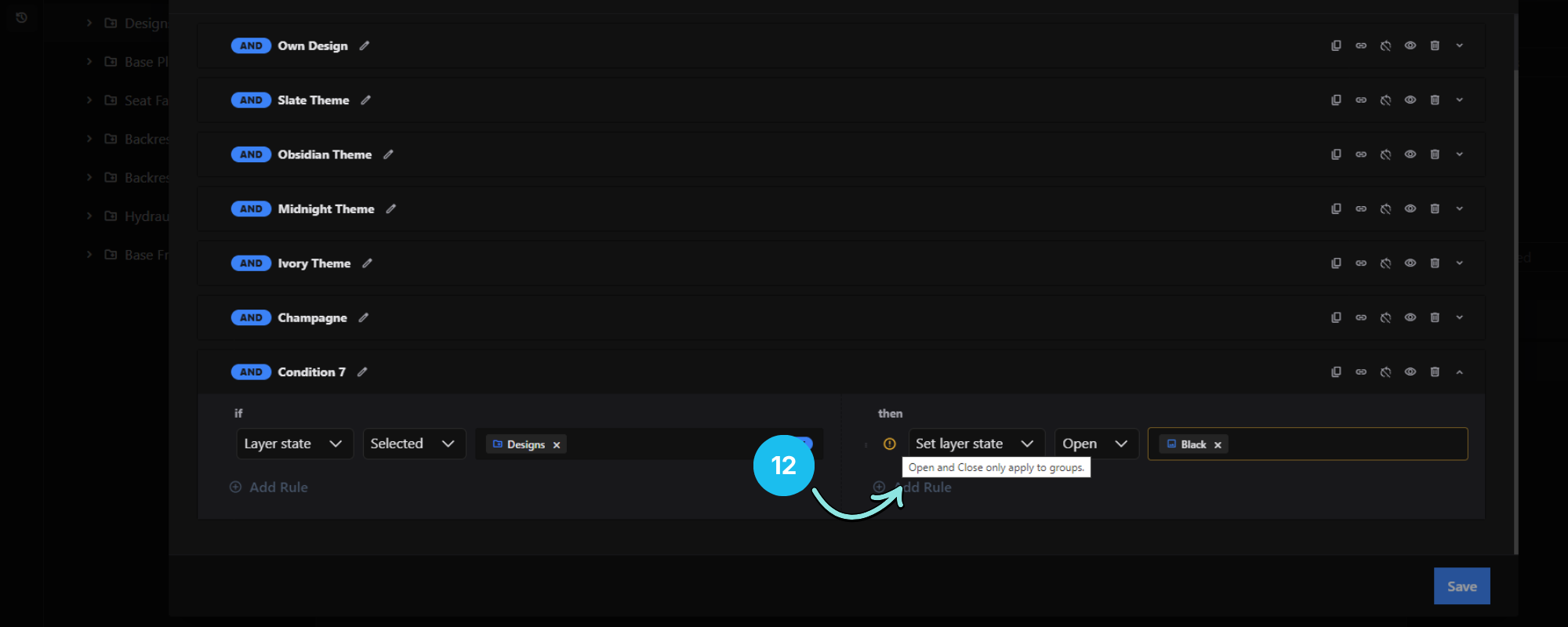
The Conditional Logic window allows you to create dynamic behaviors inside your configurator. You can define rules that automatically show, hide, select, deselect, enable, disable, or modify layers based on user selections or pricing conditions.
1. Add Condition
Creates a new standalone condition.
Each condition contains an IF statement and one or more THEN actions.
Example:
IF
Layer "Blue" is Selected

THEN
Show Texture Design 2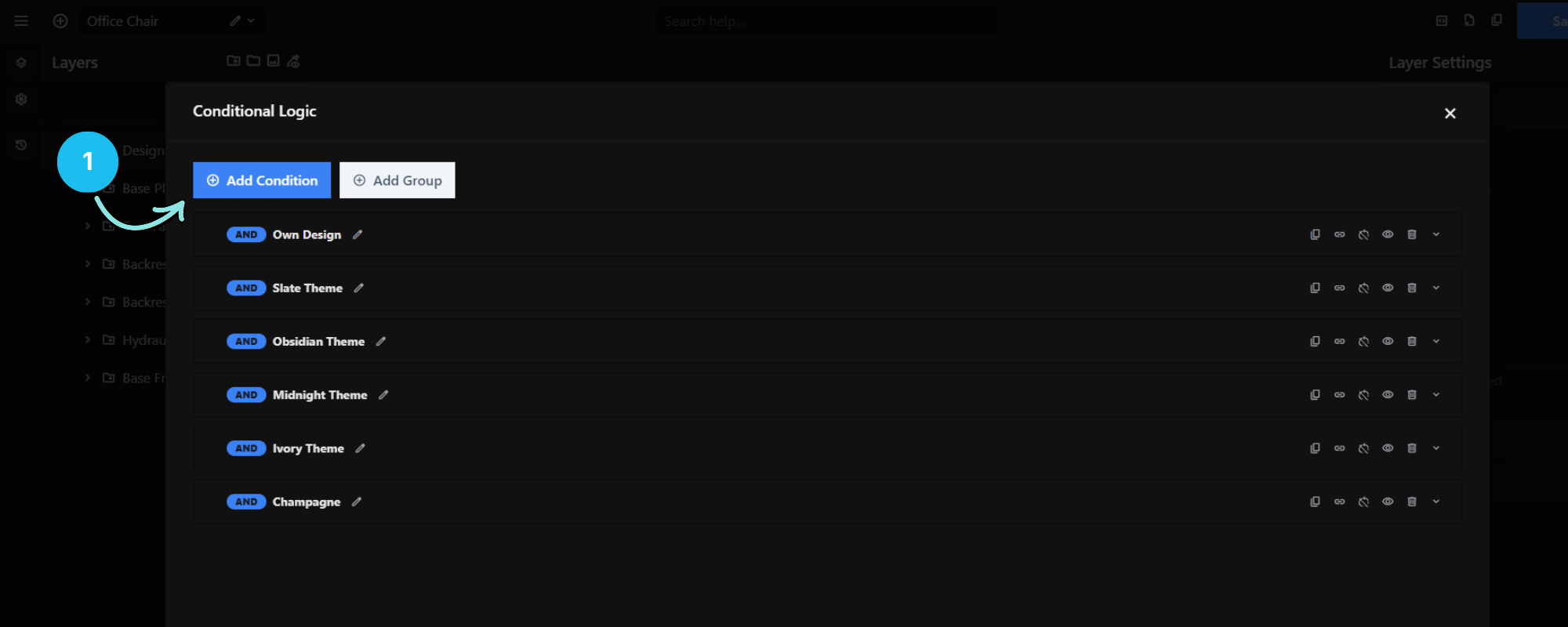
2. Add Group
Groups multiple conditions together.
Groups are primarily used for organizing large sets of conditions, making complex configurators easier to manage.
Note: Groups do more than organize. Disabling a group stops every condition inside it from running, and deleting a group also deletes the conditions it contains. The order your groups appear in also affects the order conditions are evaluated.
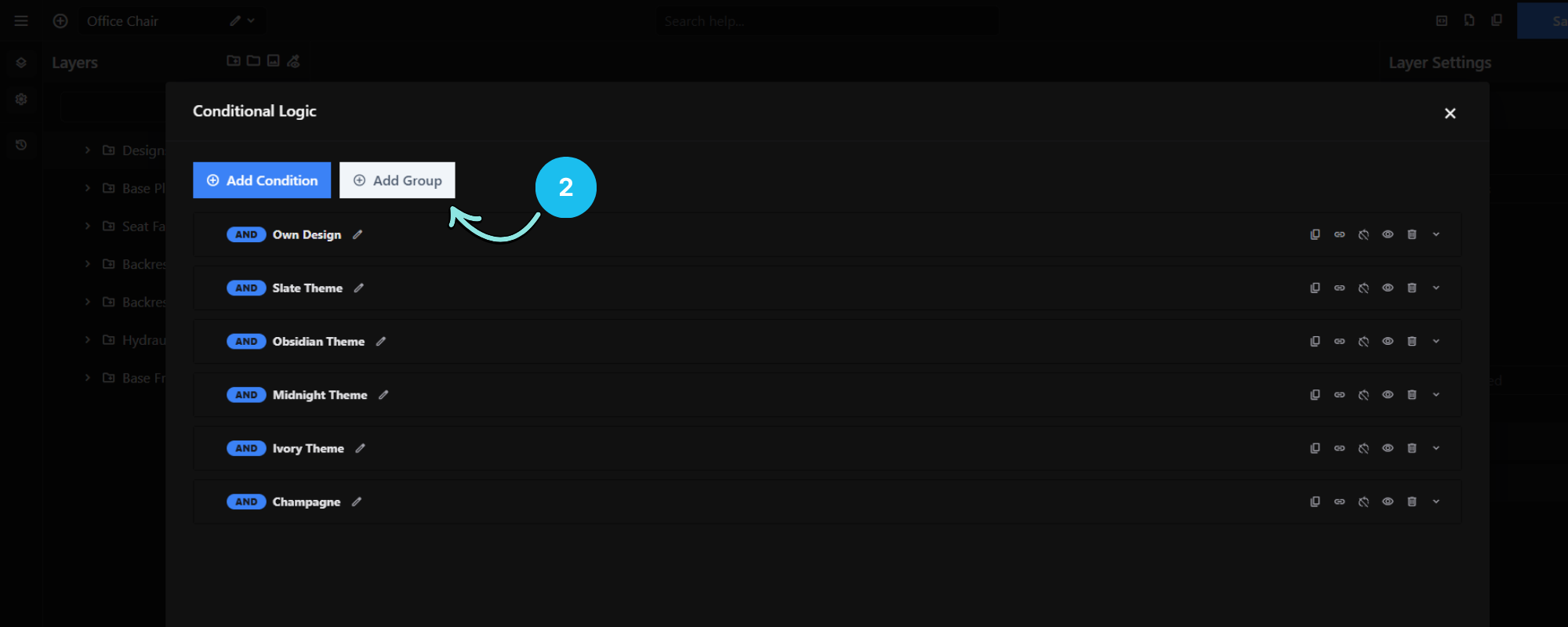
3. Disable Group
Temporarily switches off every condition inside the group. The conditions stay saved and keep their settings — none of them will run until the group is enabled again.
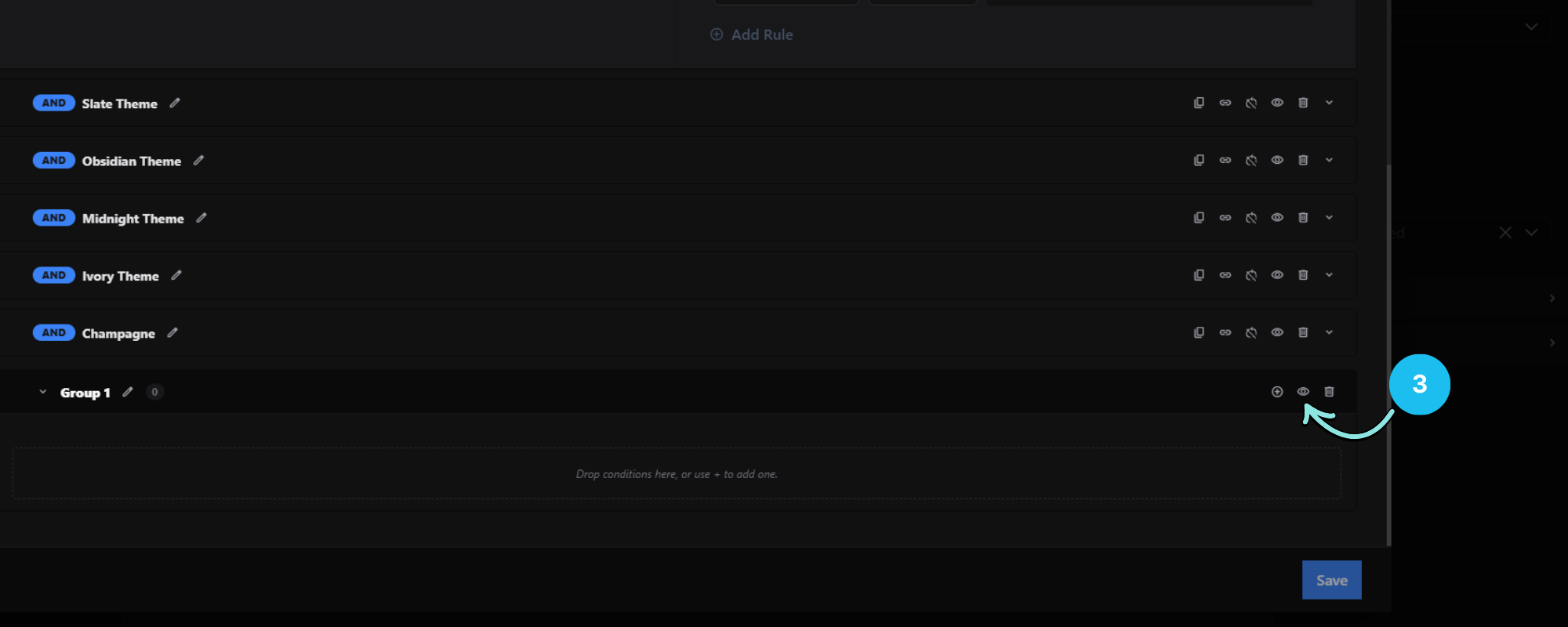
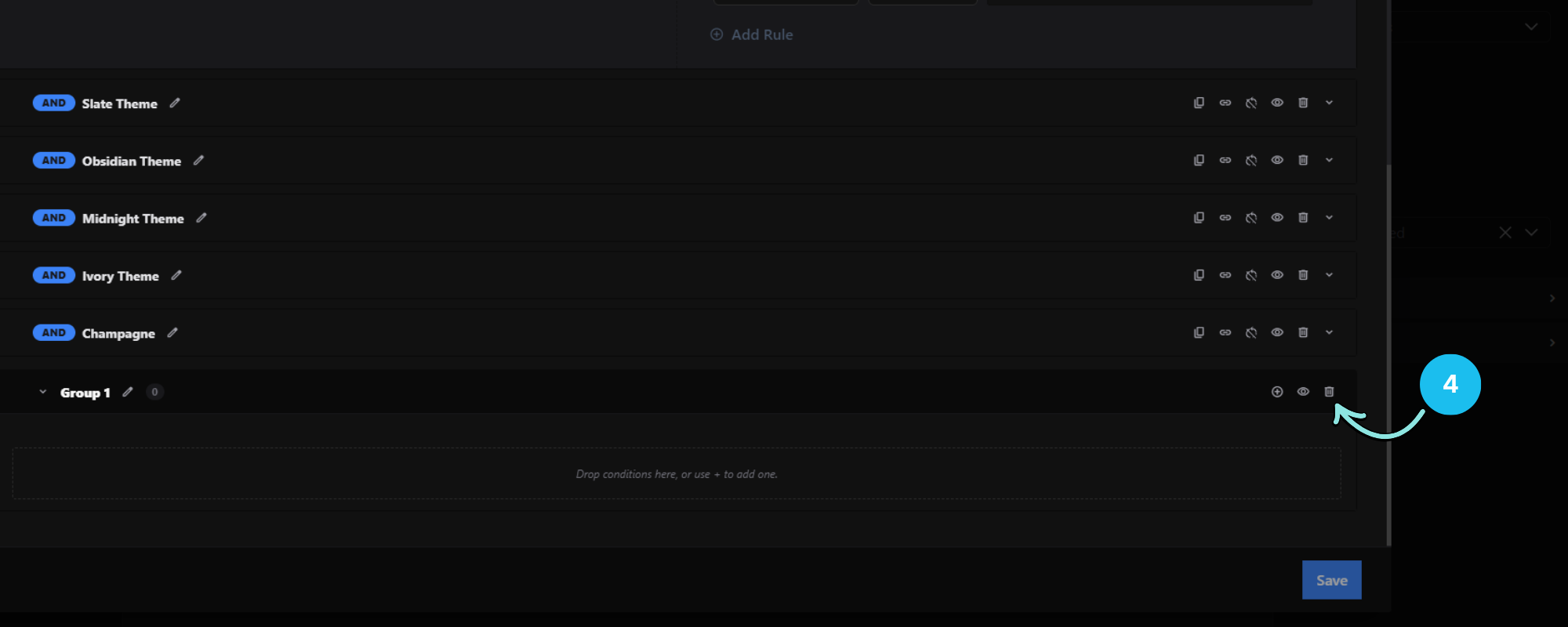
4. Delete Group
Permanently removes the group and every condition inside it. The configurator will ask you to confirm, and will tell you how many conditions will be deleted. To keep a condition, drag it out of the group first.
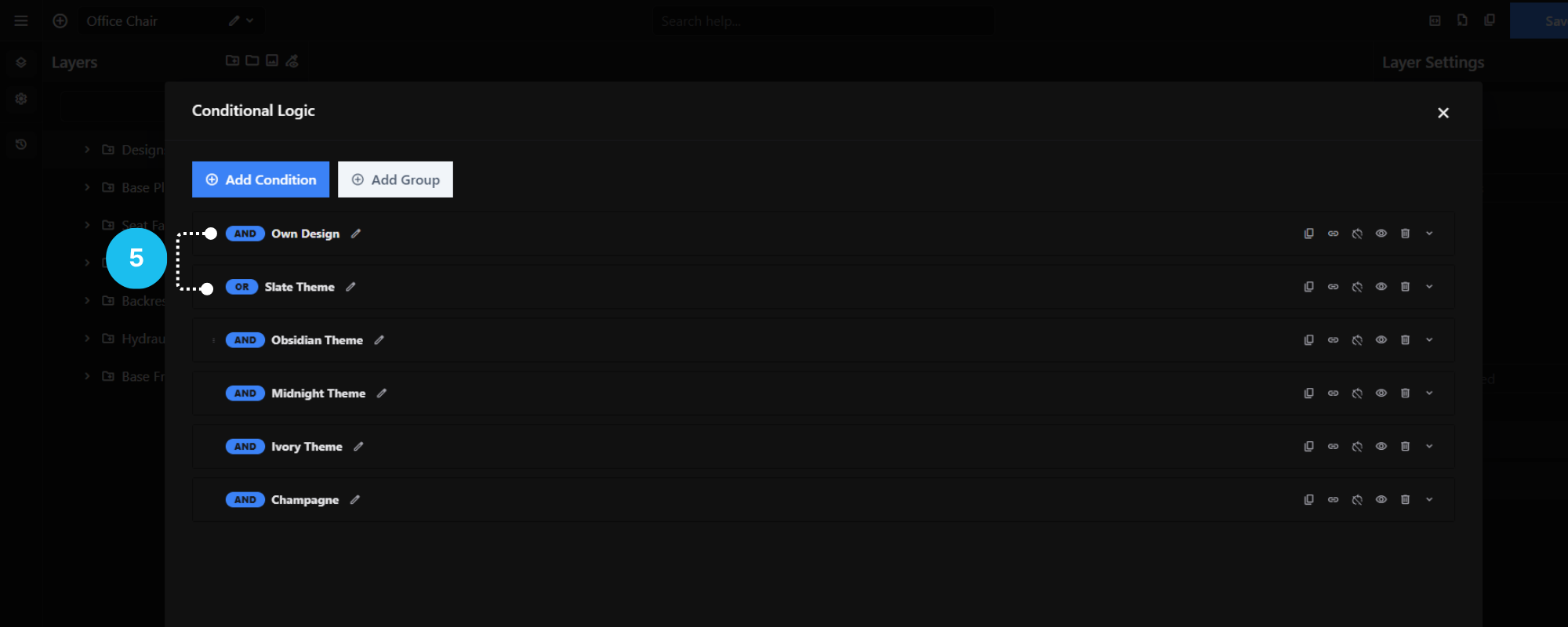
5. AND / OR Toggle
A clickable and/or chip on the condition header controls how multiple IF rules on that condition combine. See the Rules page for how this affects evaluation.
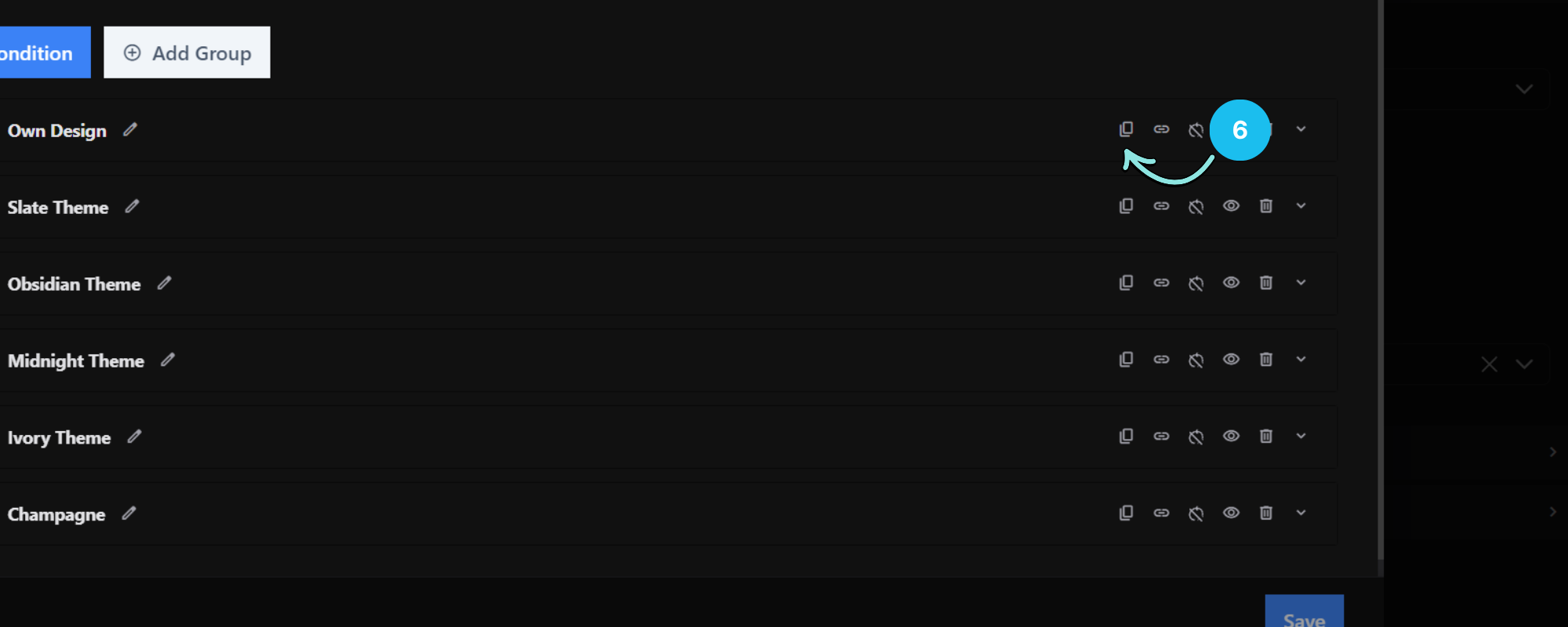
6. Duplicate Condition
Creates an exact copy of the selected condition.
This is useful when multiple rules are similar and only require minor adjustments.
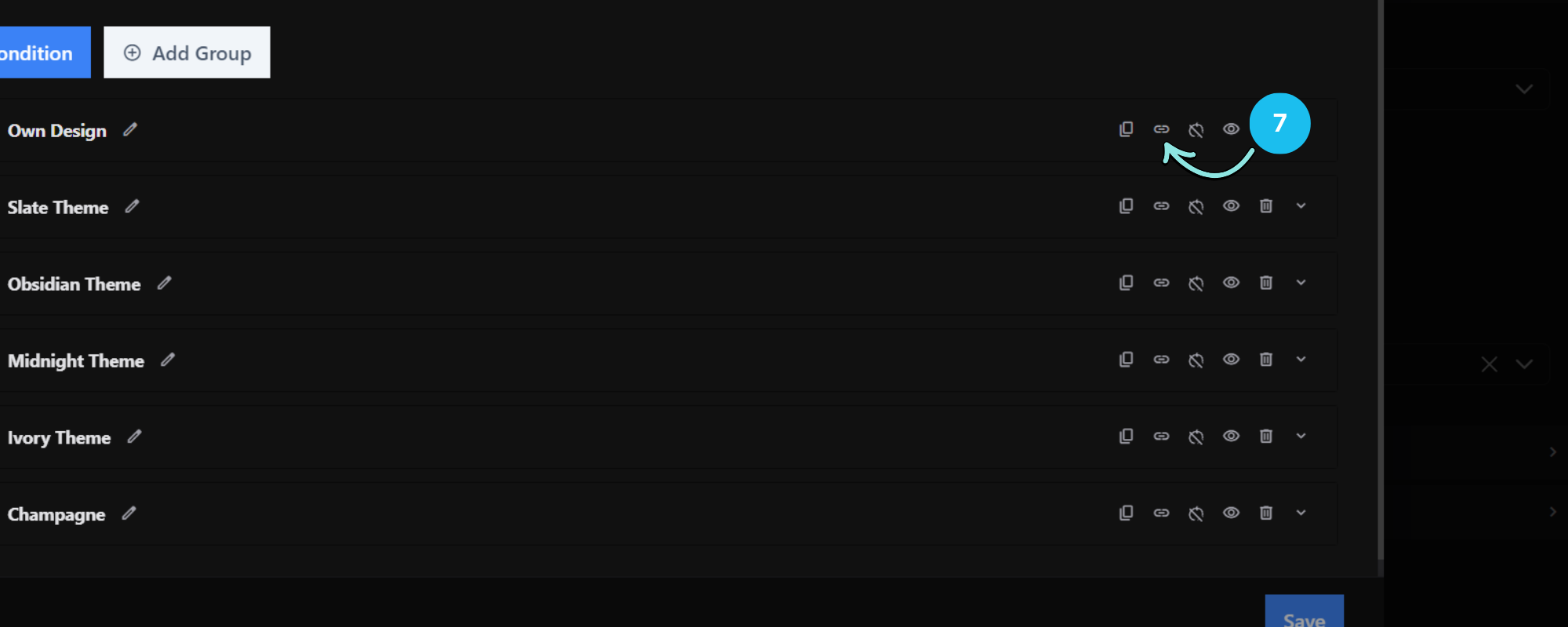
7. Break Condition Chaining
Stops every condition after this one from being evaluated, for as long as this condition’s IF is satisfied.
The block applies whenever the IF is met — not only at the moment it first becomes true. A condition that stays satisfied keeps blocking the conditions after it.
This is useful when you want to ensure that only the first matching condition is executed, preventing later conditions from overriding or conflicting with the current result.
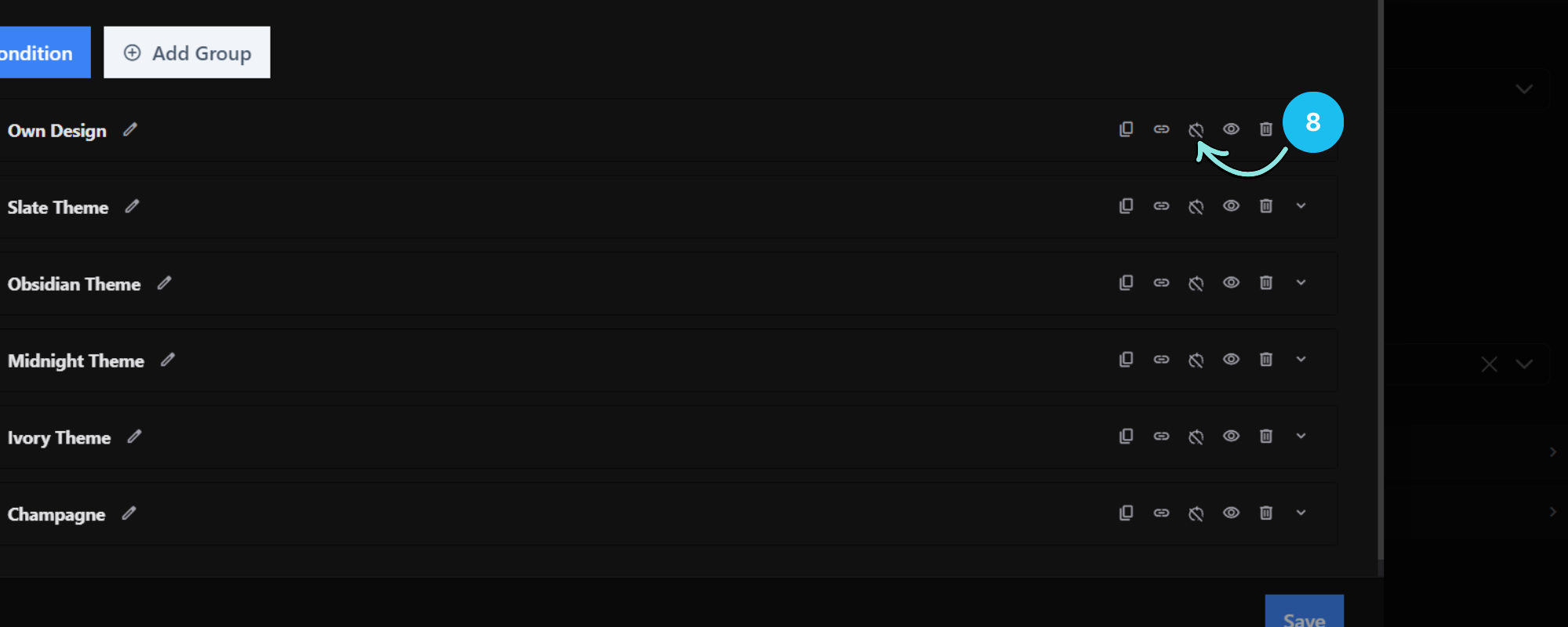
8. Allow Reverse
The Allow Reverse option automatically creates the opposite action for your condition, eliminating the need to manually create a second rule.
For example, without Allow Reverse, you would need to create two separate conditions:
Condition 1
IF
Red Color is Selected

THEN
Hide Group A
Condition 2
IF
Red Color is Deselected

THEN
Show Group A
When Allow Reverse is enabled, you only need to create the first condition. The configurator will automatically apply the reverse behavior when the original condition is no longer met.
This helps reduce duplicate conditions, simplifies your conditional logic, and makes your configurator easier to maintain.
Allow Reverse does not run on page load. It only fires once the condition has been true and then becomes false — it does not set a starting state. If you need a specific state when the page first loads, set that on the layer itself.
How the reversal works: Allow Reverse flips the THEN action — Select ↔ Deselect, Show ↔ Hide, Enable ↔ Disable, Open ↔ Close. If a condition has multiple THEN rules, all of them are flipped.
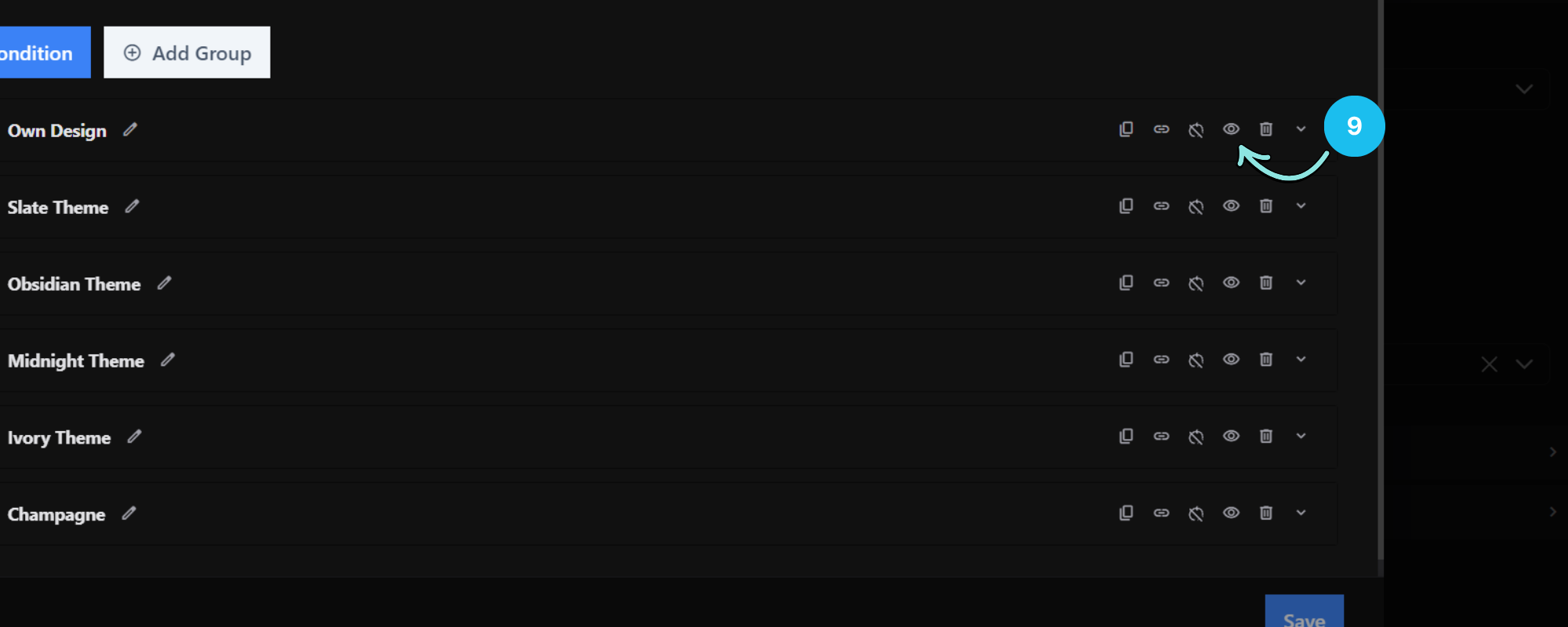
9. Disable Condition
Temporarily disables the condition without deleting it.
Disabled conditions remain saved but will not execute until re-enabled.
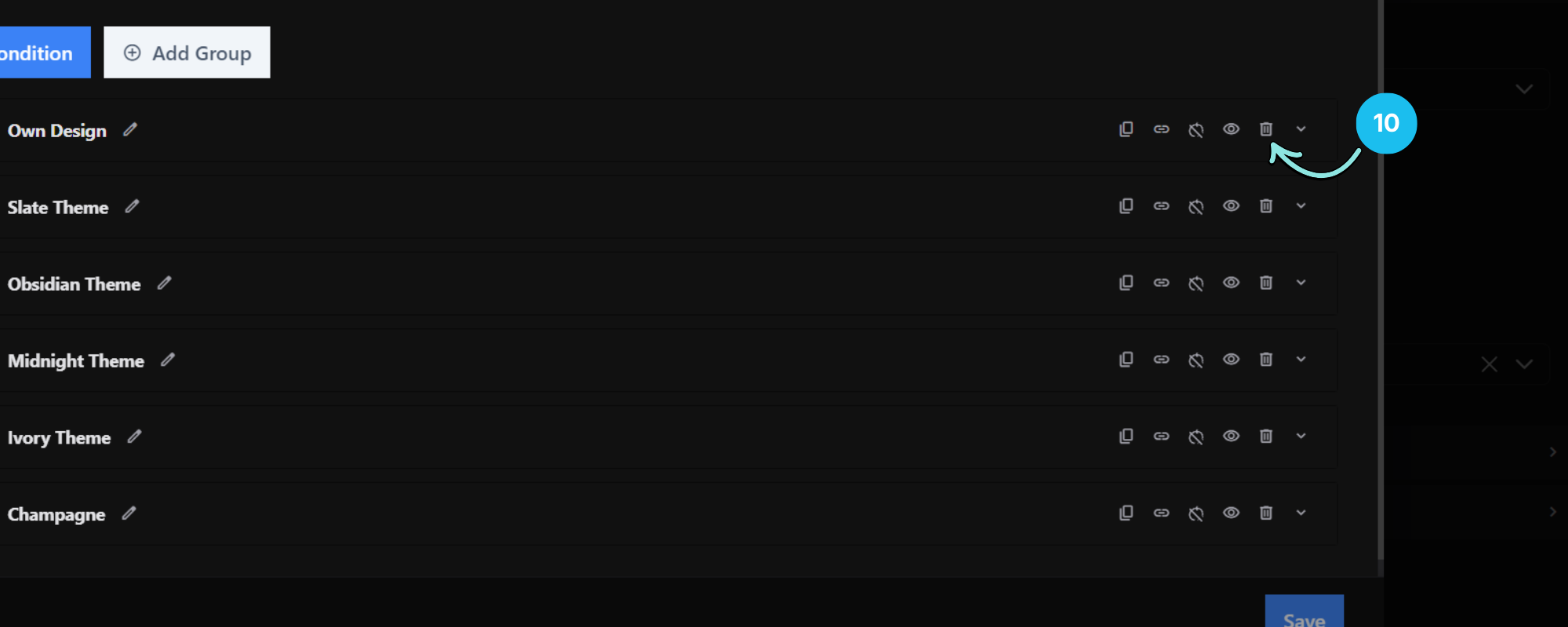
10. Delete Condition
Permanently removes the selected condition.
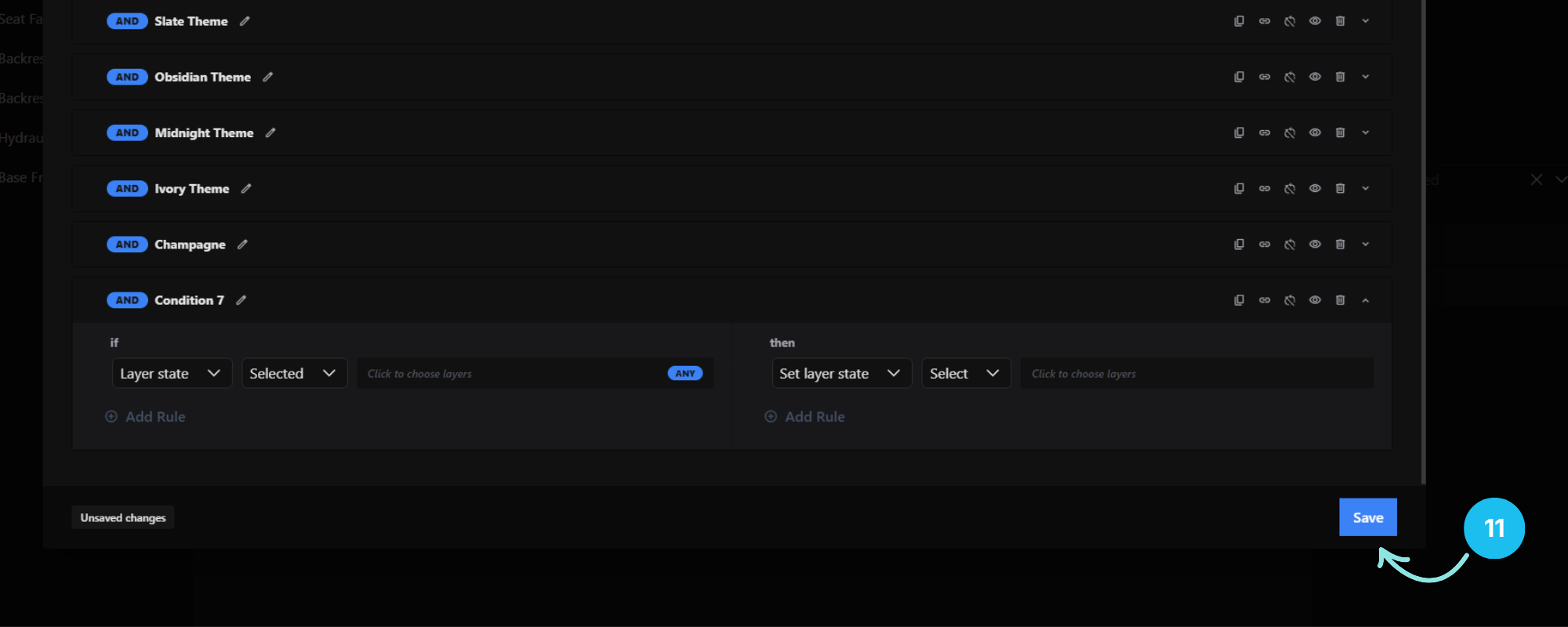
11. Save & Unsaved Changes
The Conditional Logic window has its own Save button. An Unsaved changes indicator appears when you have edits that haven’t been saved yet.
Saving your conditional logic also saves the configurator — but it does not publish a draft. You still need to publish separately for changes to go live.
12. Inline Warnings
The editor shows contextual warnings when a rule is set up in a way that won’t work:
- “Missing layer” — the rule references a layer that no longer exists.
- “Select cannot target a group; choose specific options instead.”
- “Open and Close only apply to groups.”
- “Option price only applies to an option, not a group.”