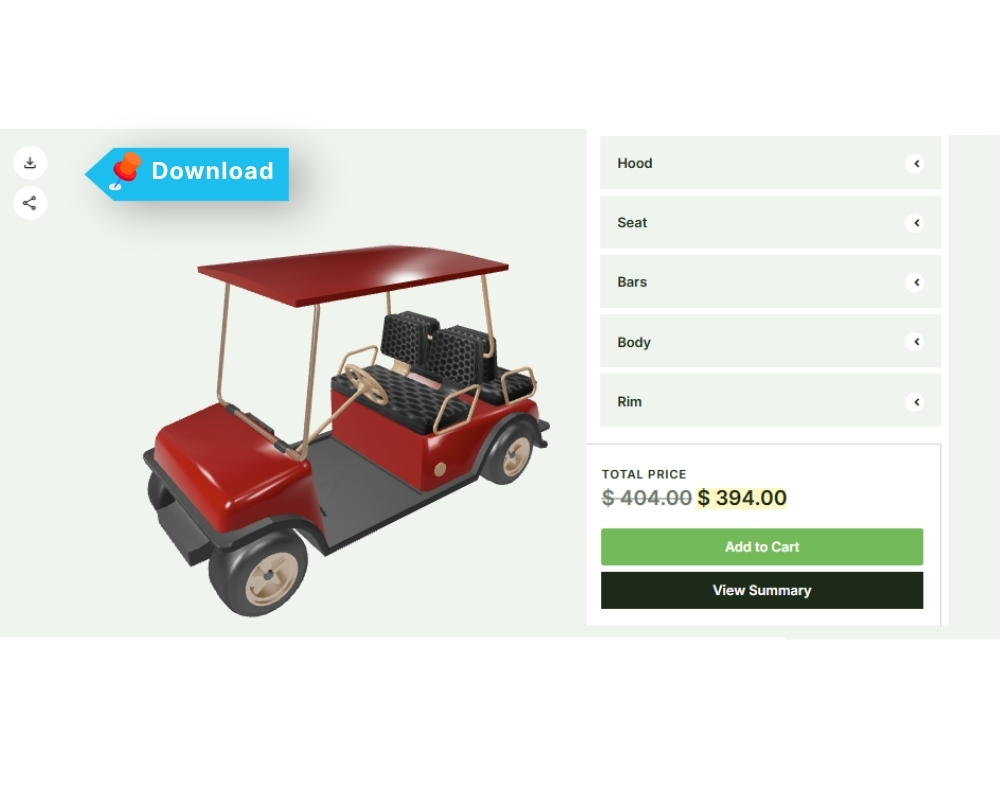
Download Icon
The Download icon allows users to download their configured product as a PNG image file. After completing the product configuration, click the Download icon to save the final configuration as a PNG file.
Download Summary
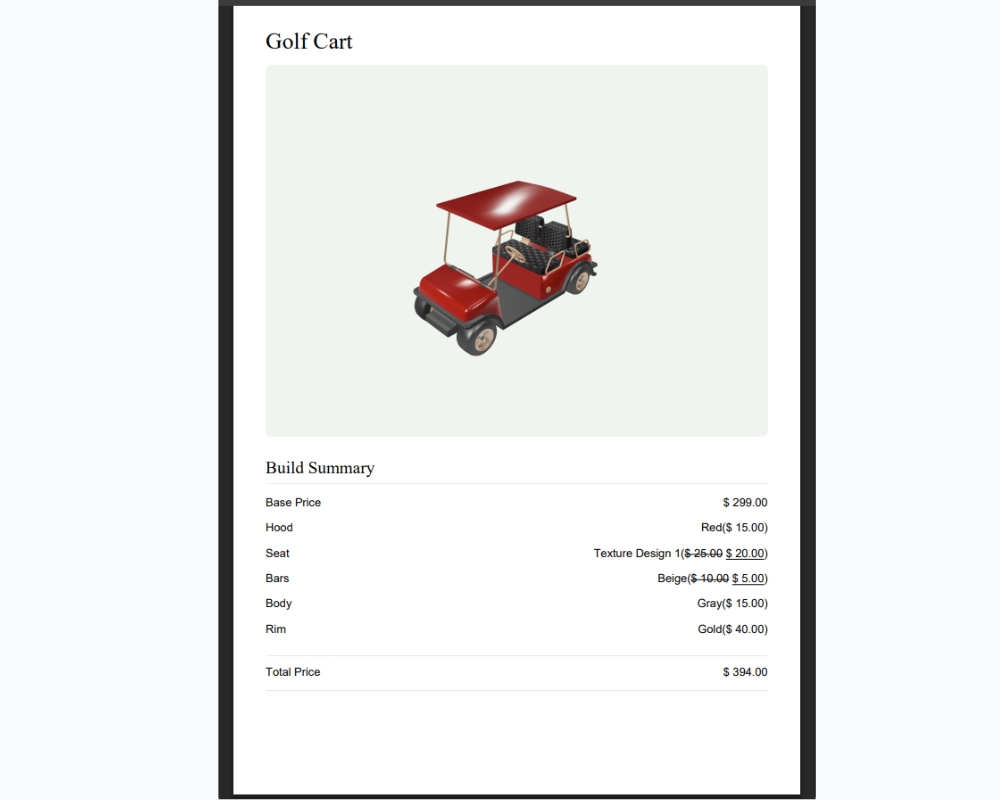
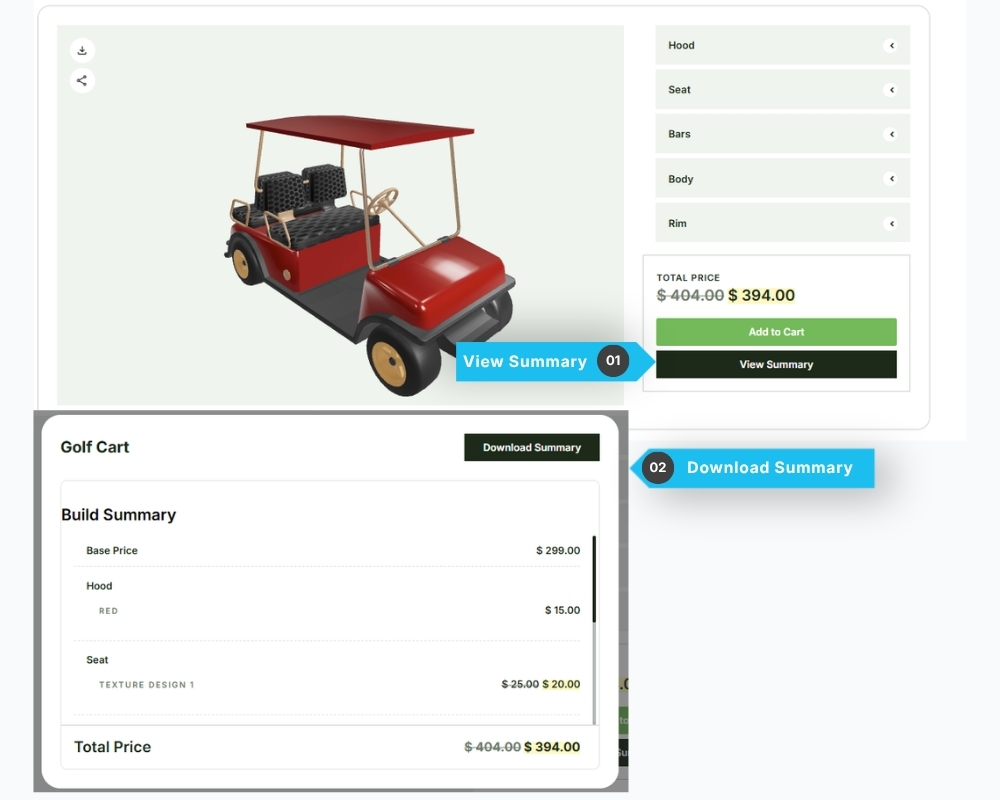
The Download Summary feature allows users to download a summary of their configured product as a PDF file.
After completing the product configuration, click the View Summary button to open a popup displaying the configuration details. Click the Download Summary button to generate and download the summary as a PDF file.
Example of the Downloaded PDF: